

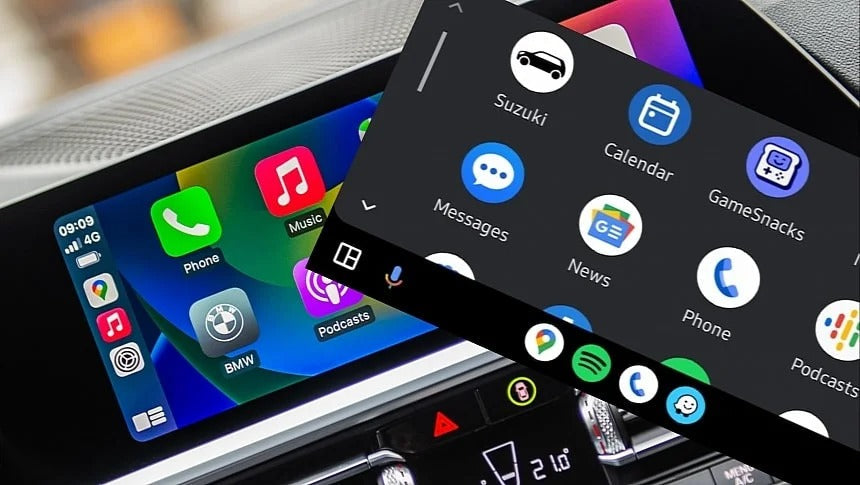
iOS 26.4.2 is causing CarPlay connection issues for some users—and the fixes aren’t exactly straightforward. Apple has yet to comment.
A type of bug usually associated with Android Auto is now affecting Apple CarPlay. Yes—CarPlay, often considered the more stable platform, is now experiencing similar connectivity issues. The culprit appears to be Apple’s latest update, iOS 26.4.2.
Shortly after installing the update, users began reporting problems across Reddit and other forums, saying that CarPlay suddenly stopped connecting in their vehicles. Both wired and wireless CarPlay setups seem to be affected.
Most reports share a common pattern: everything worked perfectly before updating.
What’s Causing the Issue?
At this stage, the exact cause remains unclear. Apple hasn’t released any official statement, and based on past behavior, it may not.
What we do know is that the issue affects a wide range of vehicles—factory-installed systems as well as aftermarket integrations.
Workarounds That Actually Work
While there’s no universal fix, several users have managed to restore CarPlay functionality using the following methods:
1. Hard Reset the iPhone
One of the most consistent solutions reported:
“Hard reset my iPhone… connected instantly.”
This suggests the issue may be tied to system-level glitches introduced by the update.
2. Reconnect via Cable First
Even if you previously used wireless CarPlay:
- Connect your iPhone via USB first
- Let CarPlay initialize
- Then attempt to switch back to wireless
This aligns with how CarPlay is designed—initial pairing typically requires a wired connection.
3. Delete and Re-Pair CarPlay
Some users had success with:
- Removing the car from CarPlay settings
- Resetting network settings
- Reconnecting from scratch
However, results here are inconsistent.
Real User Reports
- A Jeep Grand Cherokee owner couldn’t reconnect at all until performing a hard reset
- An Audi A7 (2016) user experienced a complete disconnect after the update
- Others confirmed that rebooting both the iPhone and infotainment system helped
Still, not every workaround works for everyone.
Important: Not Everyone Is Affected
It’s worth noting that this bug does not impact all users.
For example, some iPhone 15 Pro users report that both wired and wireless CarPlay continue to function normally after updating.
What This Means for TheCarPlayer Customers
If you’re using a CarPlay retrofit module or wireless adapter, don’t panic—this is not a hardware issue.
In most cases:
- Your module is working correctly
- The issue is software-related (iOS side)
- A reset or re-pair usually resolves it
If you're experiencing problems with your setup from TheCarPlayer.com, we recommend:
- Performing a full iPhone restart (or hard reset)
- Reconnecting via cable first
- Re-pairing your system if needed
And if you're still stuck, feel free to contact us—we’ll help you troubleshoot step by step.
Should You Update to iOS 26.4.2?
If you haven’t installed the update yet:
- Back up your iPhone first
- Be aware that issues are possible, though not guaranteed
Until Apple releases a fix (or acknowledges the issue), caution is advised.
Final Thoughts
CarPlay has built a reputation for reliability, but this situation shows that even Apple isn’t immune to software hiccups.
If you’ve found a workaround that works, share it—we’ll keep updating this post with real-world fixes from the community.
Share:
Waze “Blue Screen” Bug on CarPlay: What’s Happening and How to Fix It
Big Google Maps Update on Apple CarPlay: Google Gemini Is Coming