

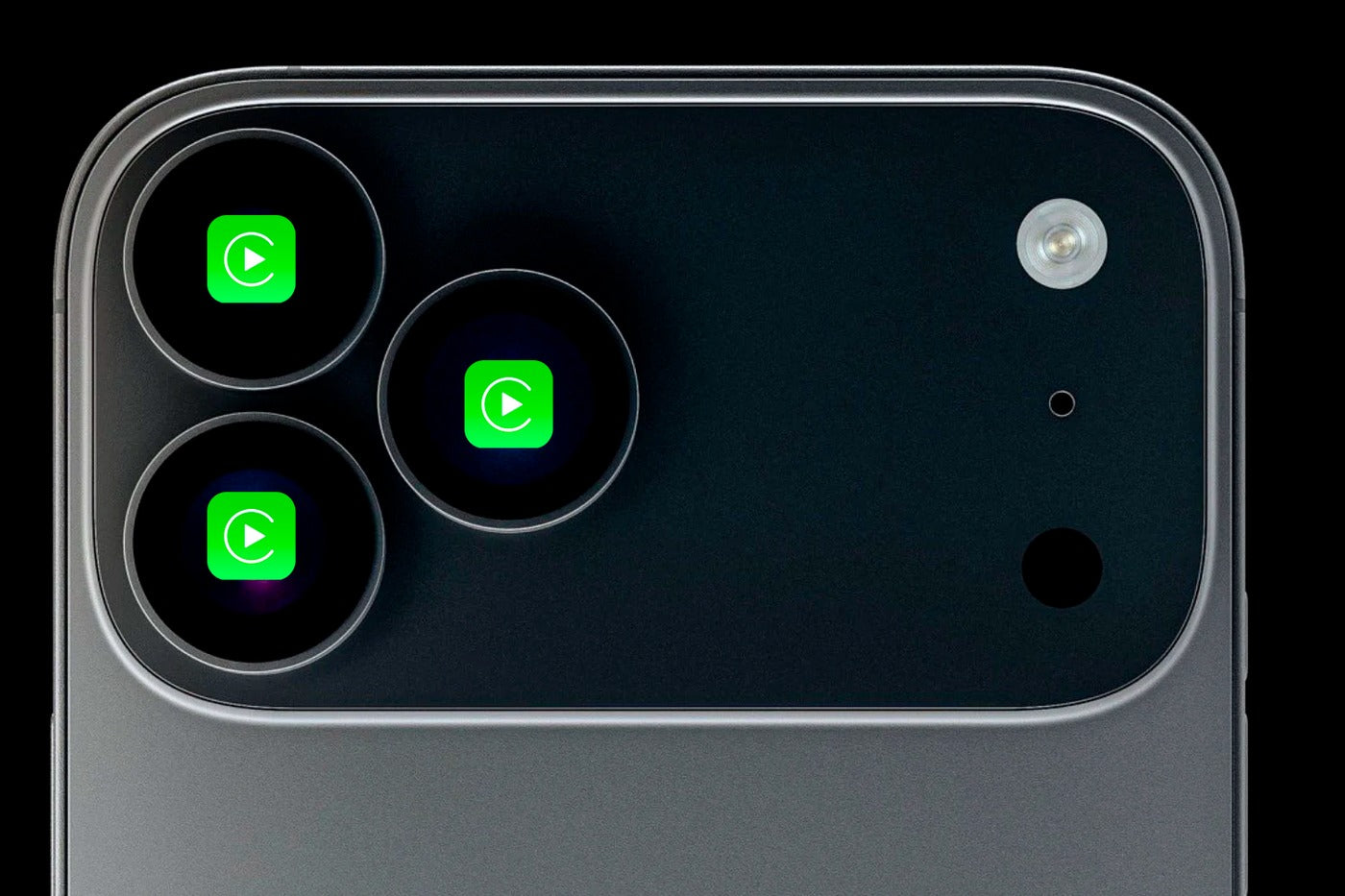
The arrival of the iPhone 17 Pro and iPhone 17 Pro Max brought major excitement—faster performance, upgraded cameras, and new AI-driven features. But for many early adopters, the excitement quickly turned into frustration: CarPlay stopped working properly.
If your iPhone 17 Pro CarPlay connection is unstable, disconnecting randomly or failing to start at all, you’re not alone. Thousands of users have reported identical issues. The good news: Apple has acknowledged the bug and is preparing an iOS fix.
At TheCarPlayer.com, we help drivers get the most reliable CarPlay experience possible, so here’s everything you need to know.
Symptoms: CarPlay Disconnecting or Not Connecting on iPhone 17 Pro
CarPlay is supposed to be seamless—turning your vehicle’s screen into an extension of your iPhone with navigation, messages, music, and calls. But with the iPhone 17 Pro series, users reported:
-
Random CarPlay disconnects
-
Apps freezing or crashing
-
Black screen during Maps or Waze
-
Wireless CarPlay dropping connection
-
Wired CarPlay not recognized by the car
These issues occur across various car brands and affect both wired and wireless CarPlay.
Imagine following an important route in Apple Maps and—without warning—the screen goes blank. Or your playlist pauses every few minutes. These interruptions disrupt your drive and create an unsafe distraction.
Why This Happens: A Software Bug in the New Models
When Apple releases a new device with updated chips, wireless modems, and communication protocols, compatibility issues can sometimes appear. The iPhone 17 Pro hardware + current iOS version seems to trigger an unexpected CarPlay conflict.
Based on reports:
-
It's not related to your cable, USB port, or car brand.
-
It’s not caused by CarPlay modules or adapters.
-
It is a software-level bug introduced with the new iPhone hardware.
This means the problem is not permanent—and it’s fully fixable via an iOS update.
Apple’s Official Fix: Incoming iOS Update
Apple has confirmed it is actively working on a correction. The fix is expected to roll out in an upcoming update—likely something along the lines of iOS 17.x, 17.0.1, or 17.1 depending on Apple’s schedule.
Historically, Apple resolves major CarPlay issues quickly, especially when they affect new flagship devices.
What You Can Do Right Now (Temporary Workarounds)
While waiting for Apple’s patch, you can try:
1. Restart Your iPhone
It may temporarily stabilize the CarPlay connection.
2. Use a Certified MFi Cable
If using wired CarPlay, ensure you're using a high-quality cable.
3. Forget and Re-Pair Your Car
Go to
Settings → General → CarPlay → Select your car → Forget
Then reconnect from scratch.
4. Reset Network Settings
Sometimes resolves wireless CarPlay issues.
Settings → General → Transfer or Reset → Reset Network Settings
These are temporary fixes—the permanent solution will come from Apple’s software update.
CarPlay Still Not Working Reliably? Consider an Aftermarket Upgrade
Many older vehicles also struggle with CarPlay stability—even when the iPhone isn’t at fault.
If your car lacks CarPlay entirely, or if the original system is outdated, TheCarPlayer.com offers:
-
OEM-style Apple CarPlay upgrade modules
-
Wireless CarPlay adapters
-
CANBUS solutions for enhanced compatibility
These modules provide:
-
Stable wired/wireless CarPlay
-
Full integration with factory controls
-
No lag, no random disconnects
-
Easy plug-and-play installation
You can browse compatible kits here:
TheCarPlayer.com – Apple CarPlay Modules
Conclusion: A Short-Term Problem with a Long-Term Fix
The iPhone 17 Pro and Pro Max offer exceptional performance, and Apple CarPlay is a core part of the modern driving experience. While this initial CarPlay bug is frustrating, Apple’s quick response shows the issue is temporary and fully fixable.
Keep an eye on your iOS update notifications—once the patch arrives, CarPlay on the iPhone 17 Pro should return to smooth, stable performance.
Share:
Google Maps Traffic Statistics Every Driver Should Know This Holiday Season
How to Connect Your iPhone to the Polestar 4: The Ultimate Apple CarPlay Guide
2 comments
onda accord hybrid
I have the 17 pro iphone and a 2020 Mercedes. Like others with this combination carplay is not working correctly. The screen is broken up and distorted. I am still waiting and hope for a fix from Apple. However, i am less hopeful because Apple is blaming Mercedes. All previous versions of iphone work in my car.