

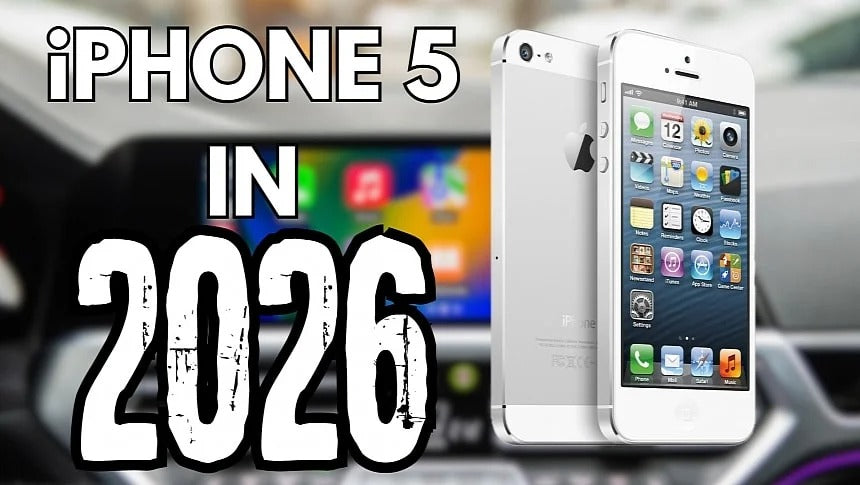
One of the biggest reasons Apple CarPlay has remained so popular is its excellent long-term compatibility. Even if your iPhone stopped receiving iOS updates years ago, there's a good chance it will still connect to your car and launch CarPlay.
With rumors suggesting the upcoming iPhone 18 could bring another price increase, many users are planning to keep their current iPhone for another year or two. From a CarPlay perspective, that's perfectly reasonable—as long as your device is still capable of running the apps you rely on.
Apple's Long-Term CarPlay Support Is Still Impressive
Smartphone upgrade cycles have become much longer than they were a decade ago. Instead of replacing their phones every year, many people now keep them for four, five, or even six years.
Fortunately, Apple has continued supporting CarPlay across an exceptionally wide range of devices.
In fact, even one of Apple's oldest smartphones can still connect to a CarPlay-equipped vehicle.
Yes, Even the iPhone 5 Still Supports CarPlay

The iPhone 5, released in September 2012, originally shipped with iOS 6 and Apple's A6 processor. Today, we're already on iOS 26, yet the device can still establish a CarPlay connection.
Technically, that's an impressive achievement.
If you plug an iPhone 5 into a compatible vehicle, CarPlay will still launch. Basic functionality is still there, proving how committed Apple has been to backward compatibility.
Unfortunately, that's where the good news ends.
The Real Limitation Isn't CarPlay—It's the Apps
The final software update for the iPhone 5 was iOS 10.3.4, released in 2019.
Modern CarPlay heavily depends on third-party applications, and that's where older iPhones struggle.
Most popular apps now require much newer versions of iOS, including:
- Google Maps
- Waze
- Spotify
- Audible
- Many podcast and music apps
If these apps were already installed before support ended, some may continue working for a while. However, they typically:
- Miss years of new features
- Receive no security updates
- May eventually lose server connectivity
- Can stop functioning without warning
Navigation apps are especially affected because they rely on constantly updated online services.
Is an iPhone 5 Still Practical for CarPlay?
Realistically, no.
While CarPlay itself still launches, the overall experience feels extremely limited compared to modern iPhones.
You can still:
- Make and receive phone calls
- Access basic Apple apps
- Use simple media playback (depending on installed apps)
However, features many drivers expect today simply aren't available anymore.
In many cases, Bluetooth provides almost the same functionality without needing CarPlay at all.
The Best Upgrade Isn't Always a New Car
If your vehicle already supports wired CarPlay, upgrading from an iPhone 5 to almost any newer iPhone dramatically improves the experience.
You'll gain:
- Faster performance
- Current versions of Maps and Waze
- Latest Spotify features
- Better Siri performance
- Improved stability
- Years of future software support
If your vehicle doesn't support Apple CarPlay, you don't necessarily need to replace your infotainment system.
At TheCarPlayer, we offer plug-and-play CarPlay upgrade modules for hundreds of factory infotainment systems. They preserve your vehicle's original screen and controls while adding modern wireless Apple CarPlay and Android Auto, without cutting factory wiring or replacing OEM hardware.
iPhone Models That Still Support Apple CarPlay
CarPlay remains compatible with an incredibly long list of devices, including:
- iPhone 17 series
- iPhone 16 series
- iPhone 15 series
- iPhone 14 series
- iPhone 13 series
- iPhone 12 series
- iPhone 11 series
- iPhone XS / XS Max / XR
- iPhone X
- iPhone 8 / 8 Plus
- iPhone 7 / 7 Plus
- iPhone 6s / 6s Plus
- iPhone 6 / 6 Plus
- iPhone SE (1st, 2nd and 3rd generation)
- iPhone 5s
- iPhone 5c
- iPhone 5
That means Apple currently supports CarPlay on devices released over a decade ago—something few smartphone ecosystems can match.
How Android Auto Compares
Android Auto has a different compatibility strategy.
Google currently requires Android 9 Pie or newer to run Android Auto, while wireless Android Auto requires Android 11 or later.
Just like with older iPhones, keeping an outdated Android phone means gradually losing access to new features.
For example, Google's newest Android Auto releases are introducing official support for video apps while the vehicle is parked. These features depend on newer Android versions, meaning older devices won't receive them.
While unofficial workarounds have existed for years, Google's growing list of native Android Auto features means these hacks are becoming less relevant over time.
Final Thoughts
The fact that a 14-year-old iPhone can still launch Apple CarPlay says a lot about Apple's commitment to long-term compatibility.
However, compatibility doesn't always equal usability.
If you're still using an iPhone 5, CarPlay will technically work, but the lack of modern app support makes the experience difficult to recommend in 2026.
Whether you're upgrading to a newer iPhone or adding CarPlay to a vehicle that never had it from the factory, modern hardware makes a dramatic difference. A current iPhone paired with a quality OEM-style CarPlay retrofit provides faster performance, access to the latest navigation and media apps, and years of future compatibility—bringing an older vehicle much closer to the experience of a brand-new car.
Share:
How to Disable Waze's New World Cup 2026 Live Score Alerts
Google Maps Finally Adds a Speedometer to Android Auto