

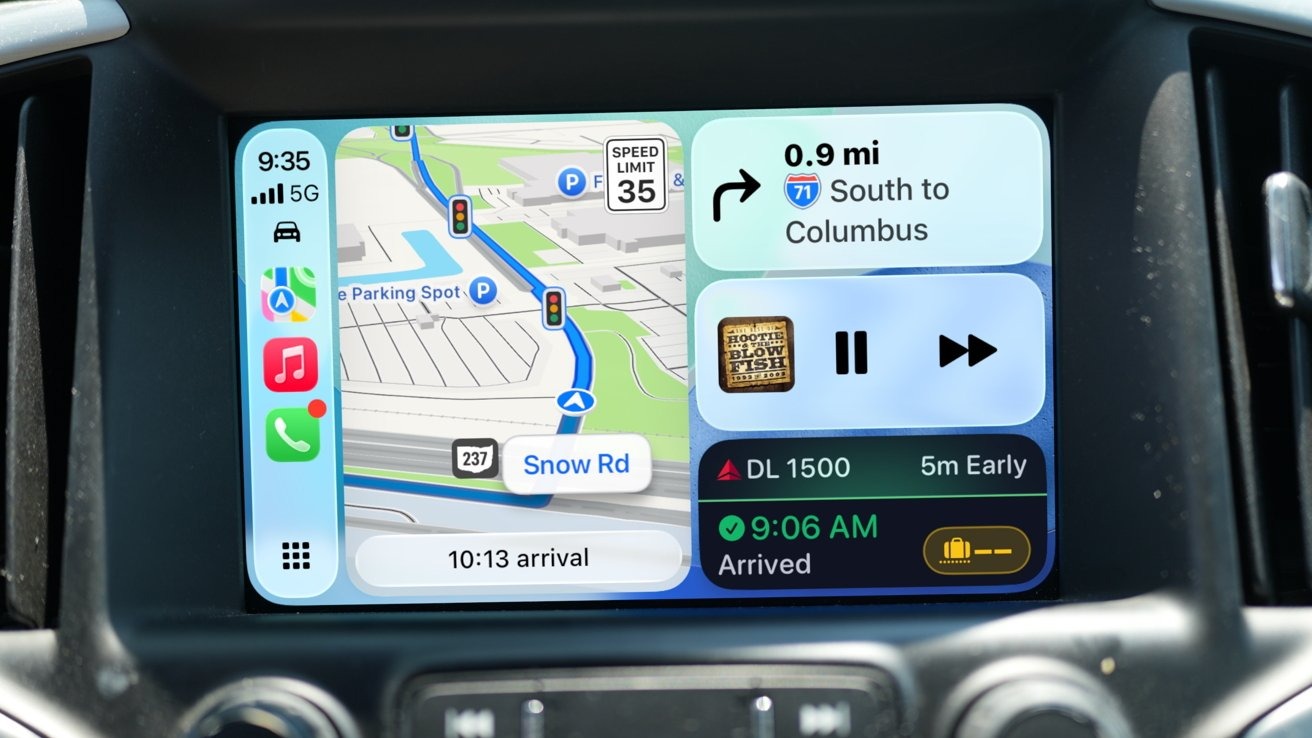
Wireless Apple CarPlay is one of the most requested in-car features—but with the rollout of iOS 26 and iOS 26.2, many drivers are once again asking the same question:
Why does my wireless CarPlay keep disconnecting, lagging, or not connecting at all?
At TheCarPlayer.com, we work daily with CarPlay retrofits, wireless adapters, and OEM systems across BMW, Mercedes, Audi, VW, Porsche, Land Rover, and more. This gives us a clear picture of what’s actually working in iOS 26—and what still causes problems.
This guide breaks it all down and shows you how to fix wireless CarPlay issues properly.
What’s New for Wireless CarPlay in iOS 26 / 26.2
Apple has made several under-the-hood changes that affect wireless CarPlay stability:
✅ What Improved
-
Faster initial pairing on newer vehicles
-
More stable Bluetooth → Wi-Fi handoff
-
Better recovery after temporary signal loss
-
Improved compatibility with newer infotainment systems
❌ What Still Causes Issues
-
CarPlay failing to auto-connect
-
Audio lag or stuttering
-
Black screen or frozen CarPlay UI
-
Wireless CarPlay working only after phone reboot
These issues are not always caused by iOS itself—in many cases, the real problem is the car’s hardware or outdated wireless CarPlay modules.
The Real Cause of Most Wireless CarPlay Problems
Based on real-world installs and customer feedback, over 70% of wireless CarPlay issues fall into one of three categories:
1. Weak or outdated Wi-Fi hardware in the vehicle
Wireless CarPlay relies heavily on a 5 GHz Wi-Fi connection, not just Bluetooth. Many factory systems (especially pre-2020 vehicles) simply weren’t designed for modern iOS requirements.
2. Poor OEM software optimization
Some manufacturers prioritize their own infotainment UI over CarPlay stability, leading to:
-
Slow boot times
-
CarPlay crashes after updates
-
Connection conflicts
3. Low-quality aftermarket wireless adapters
Cheap adapters often:
-
Overheat
-
Lose signal
-
Fail after iOS updates
-
Use outdated chipsets
Step-by-Step: Fix Wireless CarPlay Issues in iOS 26
Step 1: Fully Reset CarPlay (Most Important)
Do all three of the following:
-
On iPhone
-
Settings → General → CarPlay
-
Remove your car completely
-
-
In your car
-
Delete the phone from Bluetooth & CarPlay memory
-
-
Restart the iPhone
-
Then re-pair from scratch
-
This alone fixes many iOS 26 connection bugs.
Step 2: Disable VPNs and Wi-Fi Assist Features
VPNs interfere with the Wi-Fi tunnel CarPlay uses.
-
Disable VPN completely
-
Turn off “Low Data Mode” on Wi-Fi
-
Avoid third-party Wi-Fi managers
Step 3: Test Wired CarPlay First
If wired CarPlay works perfectly but wireless does not, the issue is not iOS—it’s the wireless hardware.
This is a key diagnostic step many users skip.
When Wireless CarPlay Still Doesn’t Work Properly
If you’re still experiencing problems after iOS 26.2, there are two reliable long-term solutions:
Solution 1: Upgrade to a High-Quality Wireless CarPlay Module
For many BMW, Mercedes, Audi, VW, Porsche, and Land Rover models, the factory system is the bottleneck.
At TheCarPlayer.com, our wireless CarPlay modules:
-
Use modern Wi-Fi chipsets
-
Are tested with iOS 26 and newer
-
Boot faster than OEM systems
-
Maintain stable connections even after updates
This is the preferred solution for older vehicles that technically support CarPlay but struggle with wireless reliability.
Solution 2: Use a Proven Wireless CarPlay Adapter (If Supported)
If your car already has wired CarPlay, a high-quality wireless adapter can work—but only if it’s built for modern iOS versions.
Avoid no-name adapters. They are the #1 reason wireless CarPlay “stops working after an update.”
Wired vs Wireless CarPlay in 2026: Honest Verdict
| Feature | Wired CarPlay | Wireless CarPlay |
|---|---|---|
| Stability | Excellent | Depends on hardware |
| Audio latency | Minimal | Sometimes noticeable |
| Battery usage | Charges phone | Drains phone |
| Convenience | Cable required | Cable-free |
Our recommendation:
-
Daily commuters → Wireless (with proper hardware)
-
Long trips / reliability focus → Wired or upgraded module
iOS 26.2: Is It Worth Updating?
Yes—but only if your setup is solid.
iOS 26.2 improves:
-
Reconnection logic
-
Background CarPlay stability
-
Reduced random disconnects
However, software cannot fix outdated hardware.
Final Verdict: What’s Working and What Isn’t
✅ Working Well
-
Newer vehicles with modern infotainment
-
High-quality CarPlay modules
-
iPhones without VPNs or custom network settings
❌ Still Problematic
-
Older OEM wireless systems
-
Cheap wireless adapters
-
Vehicles with slow infotainment CPUs
Upgrade Wireless CarPlay the Right Way
If wireless CarPlay is unreliable in your car, don’t fight iOS updates every year.
👉 Upgrade once with a tested Apple CarPlay module from TheCarPlayer.com and enjoy:
-
Stable wireless CarPlay
-
Faster boot times
-
Full compatibility with iOS 26 and future updates
Share:
Ford Confirms It Won’t Abandon Apple CarPlay — And Its Strategy Makes Perfect Sense
Android Auto 16.0 Is Now Available for All Users – Here’s How to Get It Right Away