

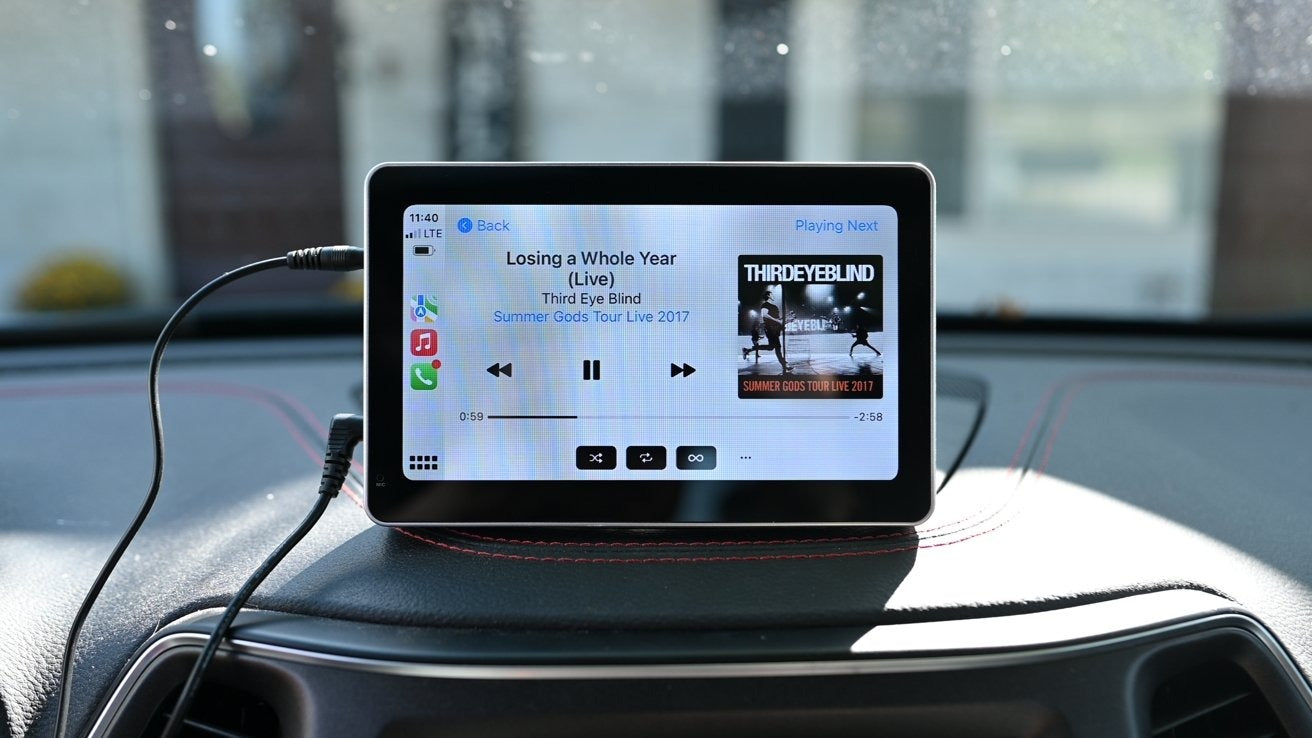
Wireless Apple CarPlay sounds simple: plug in a small USB adapter, and suddenly your car has cable-free CarPlay. For many drivers, this works well… at first.
Then, after a few iOS updates and a few months of daily use, the problems begin:
-
CarPlay not auto-connecting anymore
-
Audio lag and stuttering
-
Black screen on startup
-
Adapter overheating
-
Adapter that simply stops working
If this sounds familiar, you are not alone.
At TheCarPlayer.com, we regularly hear from customers who already bought one or even two cheap wireless CarPlay adapters before coming to us. The pattern is almost always the same:
“It worked perfectly for a few months. Then after an iOS update, it became unusable.”
This is not bad luck. There is a very specific technical reason why most low-cost wireless CarPlay adapters fail after 6–12 months.
Wireless CarPlay Is Not Just Bluetooth
Many people assume wireless CarPlay is a simple Bluetooth connection. It is not.
Wireless CarPlay uses:
-
Bluetooth for the initial handshake
-
A continuous 5 GHz Wi-Fi data tunnel for everything else (audio, UI, touch input, Siri, maps, calls)
This Wi-Fi connection is high bandwidth, low latency, and constant. It is closer to running a small computer than using a simple adapter.
Cheap adapters are simply not built for this level of sustained load.
The 4 Real Reasons Cheap Wireless CarPlay Adapters Fail
1. Overheating (The #1 Killer)
Low-cost adapters use:
-
Plastic casings with no heat dissipation
-
Cheap Wi-Fi chipsets not designed for constant data transfer
-
No thermal management
Inside your dashboard, temperatures can easily exceed 50–60°C (122–140°F). Add continuous 5 GHz Wi-Fi load, and the adapter slowly cooks itself.
At first, you notice:
-
CarPlay lag
-
Random disconnects after 20–30 minutes of driving
Eventually, the hardware degrades permanently.
2. Outdated Wi-Fi and CPU Chipsets
Most budget adapters use very old chipsets originally designed for:
-
Screen mirroring
-
Basic media streaming
-
Low data throughput
They were never designed for the data intensity of modern CarPlay, especially with iOS 26 and newer, where Apple has increased connection stability requirements and background processes.
Each iOS update does not “break” the adapter.
It exposes how weak the hardware really is.
3. Poor Firmware Support (or None at All)
Quality wireless CarPlay solutions receive:
-
Firmware updates
-
Compatibility adjustments for new iOS versions
-
Stability improvements
Cheap adapters are often:
-
Rebranded generic hardware from China
-
Sold under dozens of brand names
-
Never updated after production
Once iOS changes something, the adapter is left behind.
4. Power Draw and USB Port Limitations
Many factory USB ports in BMW, Audi, Mercedes, VW, Porsche, and Land Rover were designed to power:
-
A USB stick
-
A phone cable
Not a constantly running Wi-Fi device.
Cheap adapters draw unstable power, which causes:
-
Random restarts
-
Failure to auto-connect
-
Black screens on startup
Why It Works Perfectly for a Few Months
This is what confuses most users.
The adapter works flawlessly in the beginning because:
-
It is new and not heat-damaged yet
-
iOS version is still compatible
-
Internal components have not degraded
After months of heat cycles, updates, and daily use, the weaknesses appear.
This is why so many reviews say:
“Worked great at first… then became unreliable.”
The Difference Between Cheap Adapters and Proper Wireless CarPlay Hardware
There is a major difference between:
-
A low-cost USB wireless adapter
-
A properly engineered Wireless CarPlay module
High-quality solutions use:
-
Modern 5 GHz Wi-Fi chipsets
-
Proper thermal design
-
Stable power regulation
-
Firmware tested with new iOS versions
-
Hardware designed specifically for automotive environments
This is why a proper solution remains stable for years, while cheap adapters fail within one.
Signs Your Wireless Adapter Is Dying
If you notice any of these, the hardware is already degrading:
-
CarPlay connects only after unplugging/replugging
-
It works when the car is cold but fails after driving
-
Increasing audio delay
-
CarPlay freezes after 20+ minutes
-
Phone needs to be rebooted to reconnect
These are not software bugs. They are hardware symptoms.
The Long-Term Fix Most Drivers Eventually Choose
Many drivers go through this cycle:
-
Buy cheap wireless adapter
-
Replace it after 6–12 months
-
Replace it again after the next iOS update
-
Finally switch to a proper Wireless CarPlay solution
At TheCarPlayer.com, we specialize in vehicle-specific Apple CarPlay modules for BMW, Audi, Mercedes, VW, Porsche, Land Rover, and more that:
-
Provide stable Wireless CarPlay
-
Use modern Wi-Fi hardware
-
Are designed for automotive temperatures
-
Remain compatible with iOS updates
-
Boot faster than many OEM systems
Instead of replacing adapters every year, you upgrade once.
Final Verdict
Cheap wireless CarPlay adapters do not fail because of bad luck.
They fail because:
-
They overheat
-
Their hardware is outdated
-
They receive no firmware support
-
They are not designed for real automotive use
If your wireless CarPlay “suddenly stopped working” after months of use, the adapter has simply reached its limit.
The solution is not another cheap adapter.
The solution is proper hardware built for the job.
Upgrade Wireless CarPlay the Right Way
If you are tired of unreliable wireless CarPlay, explore the tested Apple CarPlay modules at TheCarPlayer.com and enjoy:
-
Stable wireless connection
-
Fast boot times
-
Full compatibility with current and future iOS versions
-
No more yearly adapter replacements
Share:
Android Auto 16.0 Is Now Available for All Users – Here’s How to Get It Right Away
Touch Not Working in CarPlay but Works in OEM Menu: How to Fix It