

News
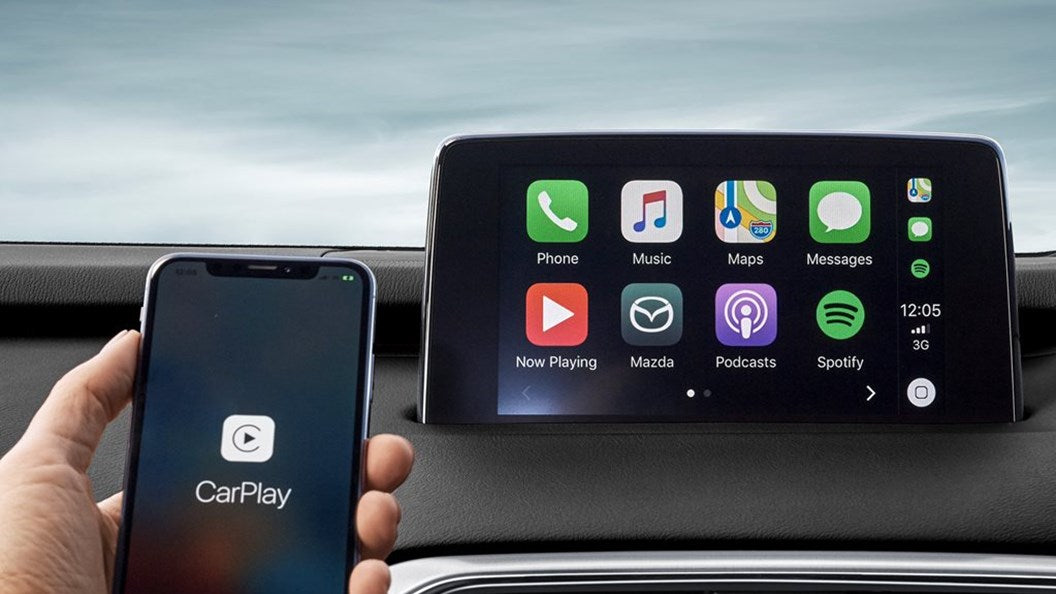
How to Add Apple Carplay to an Older Car
Do you have an iPhone and would certainly like to be able to use it in that old car of yours that you’ve been driving around forever? Of course, you could stick to using the archaic Bluetooth system that your car has, but that’s only really good for making calls or hearing the annoying navigation voice through your speakers. However, if you want real iPhone integration, then your best bet is to get Apple Carplay.
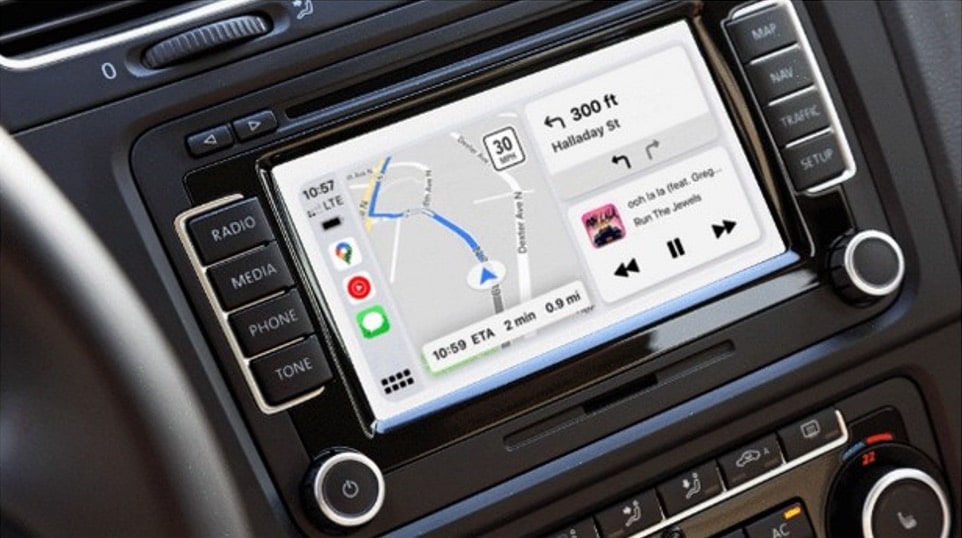
Is Google Maps compatible with Apple's CarPlay Dashboard mode
Originally, Apple locked the CarPlay navigation card to Apple Maps but once the iOS 13.4 update hit, it unlocked the feature for third-party developers as well. It was up to the app developers to implement dashboard support for their navigation apps. Google Maps is one of the most widely used navigation apps on CarPlay, so Google finally added this feature to its app at the end of 2020.
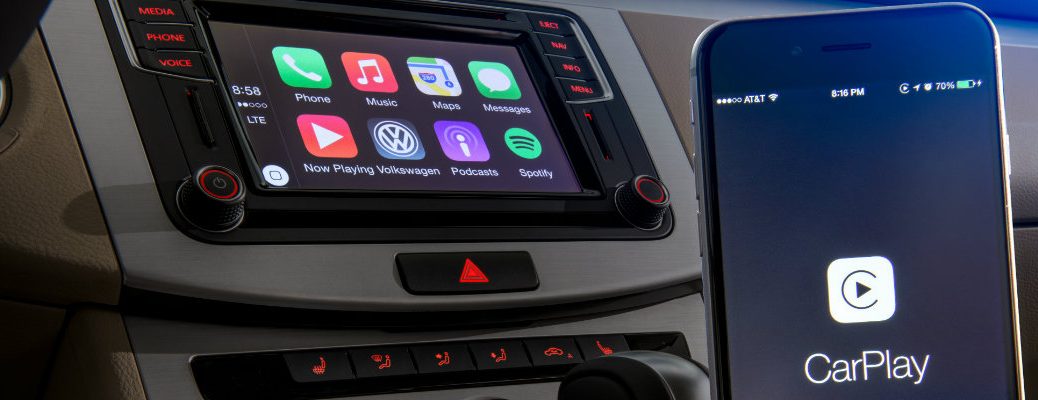
Available on select cars, CarPlay is a smarter, safer way to use your iPhone in the car. CarPlay takes the things you want to do with your iPhone while driving and puts them right on your car’s built-in display. When you connect your iPhone to CarPlay, you can get turn-by-turn directions, make calls, send and receive messages, listen to music, and more.
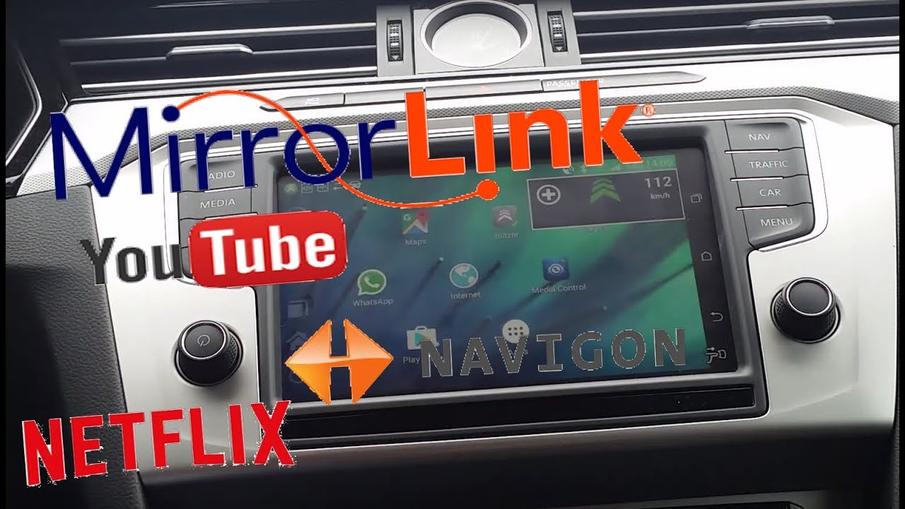
MirrorLink is a technology that allows drivers to use their Android devices while keeping their hands on the wheel of their car, as it interacts directly from the vehicle's screen. But MirrorLink is banned, right?
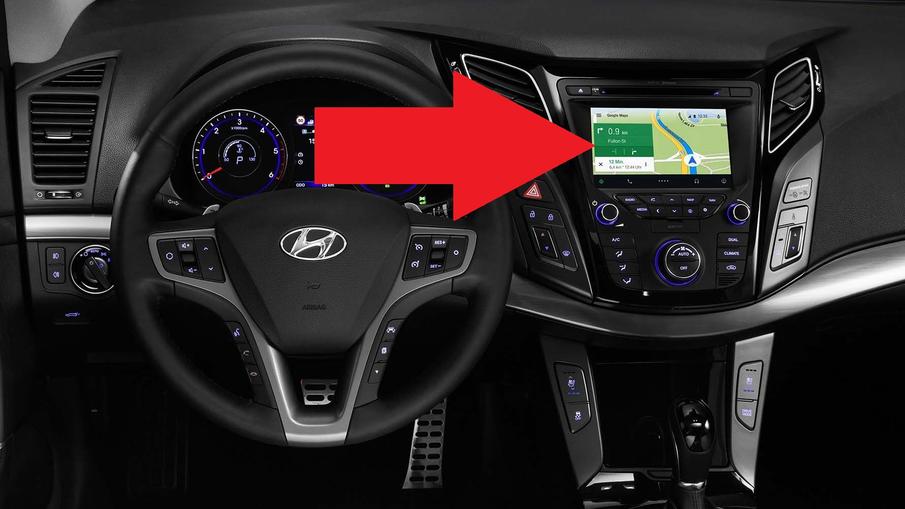
Android Auto compatible vehicles
Today, Android Auto has become one of the most appreciated and used in-car systems by drivers. Google's teams have doubled their efforts to provide us with a technology that leaves no one indifferent. But which vehicles are compatible with Android Auto? We will take a look!
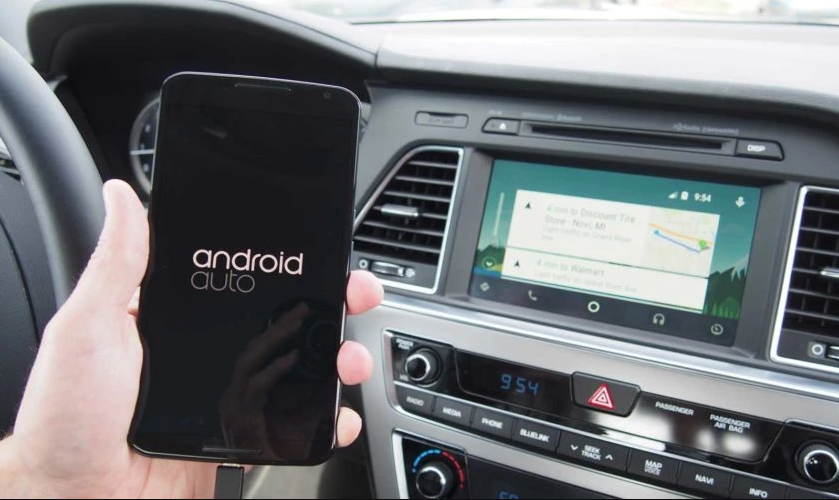
Are you using Android Auto on your car screen? To get the most out of this technology developed by Google, you need a few apps. Interested? Focus on the best apps for Android Auto!
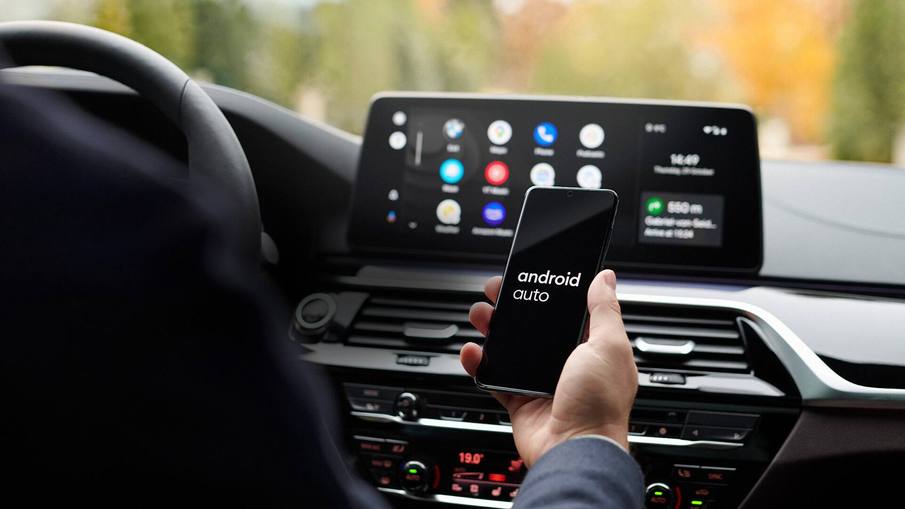
Android Auto is one of the most popular systems for drivers around the world. The technology developed by Google offers dozens of very useful features on board a vehicle. To take advantage of them, simply use a USB cable to connect your smartphone. But what about the wireless connection? Is it possible to connect the vehicle and Android Auto via Bluetooth? Lets take a look!
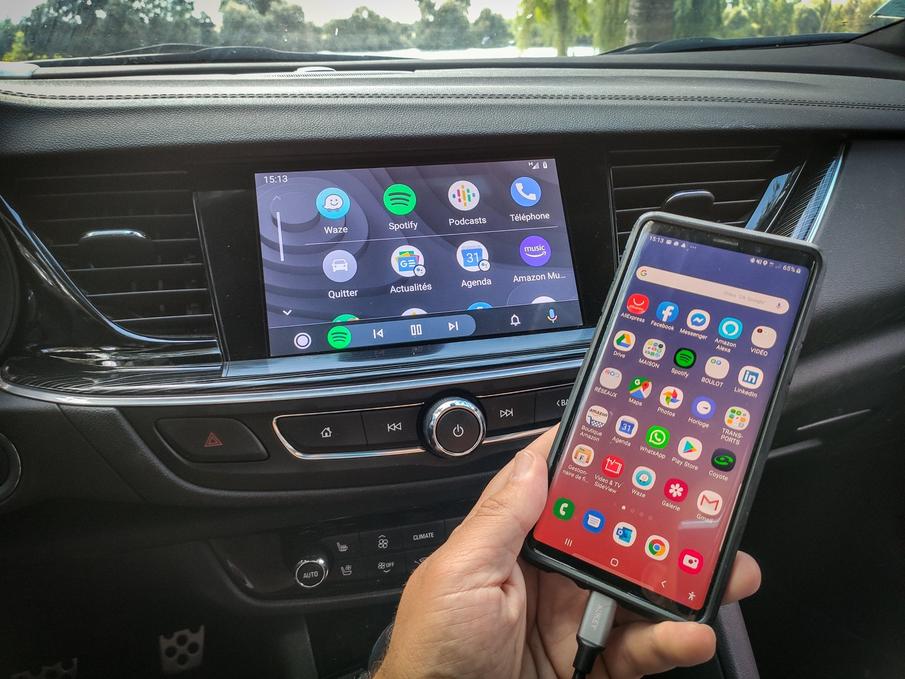
Does your vehicle have Android Auto? Have you just installed it in your car? If so, you should know that choosing the right cable is not an easy thing. So, which cable do you use for Android Auto? We will take a closer look at it!
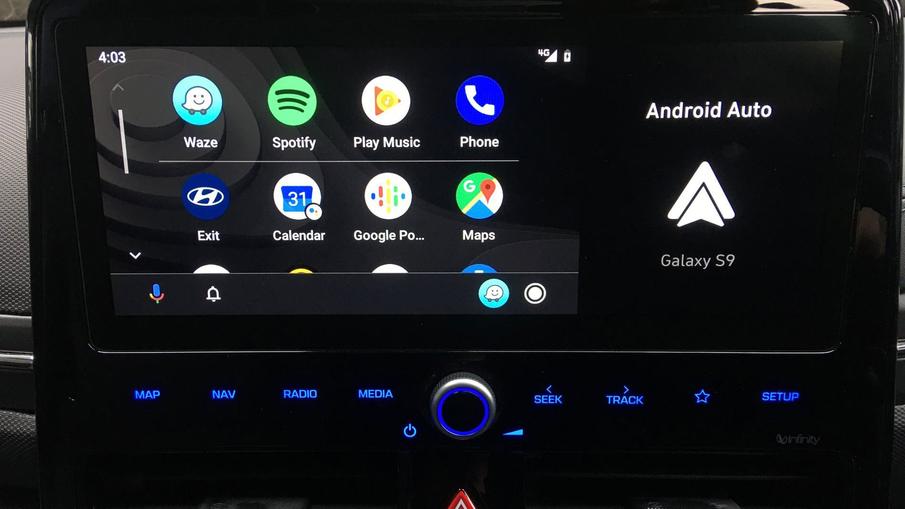
Compatible with more than 500 vehicle and radio models, Android Auto is among the most popular technologies for drivers. With the Android 10 version, Google's OS for automotive offers new features. So, Android Auto and Android 10, what do you need to know?