News
iOS 14 brings a fresh look to the things you do most often, making them easier than ever. It also brings a wide variety of changes to vehicles, all through a simple update to their phones.
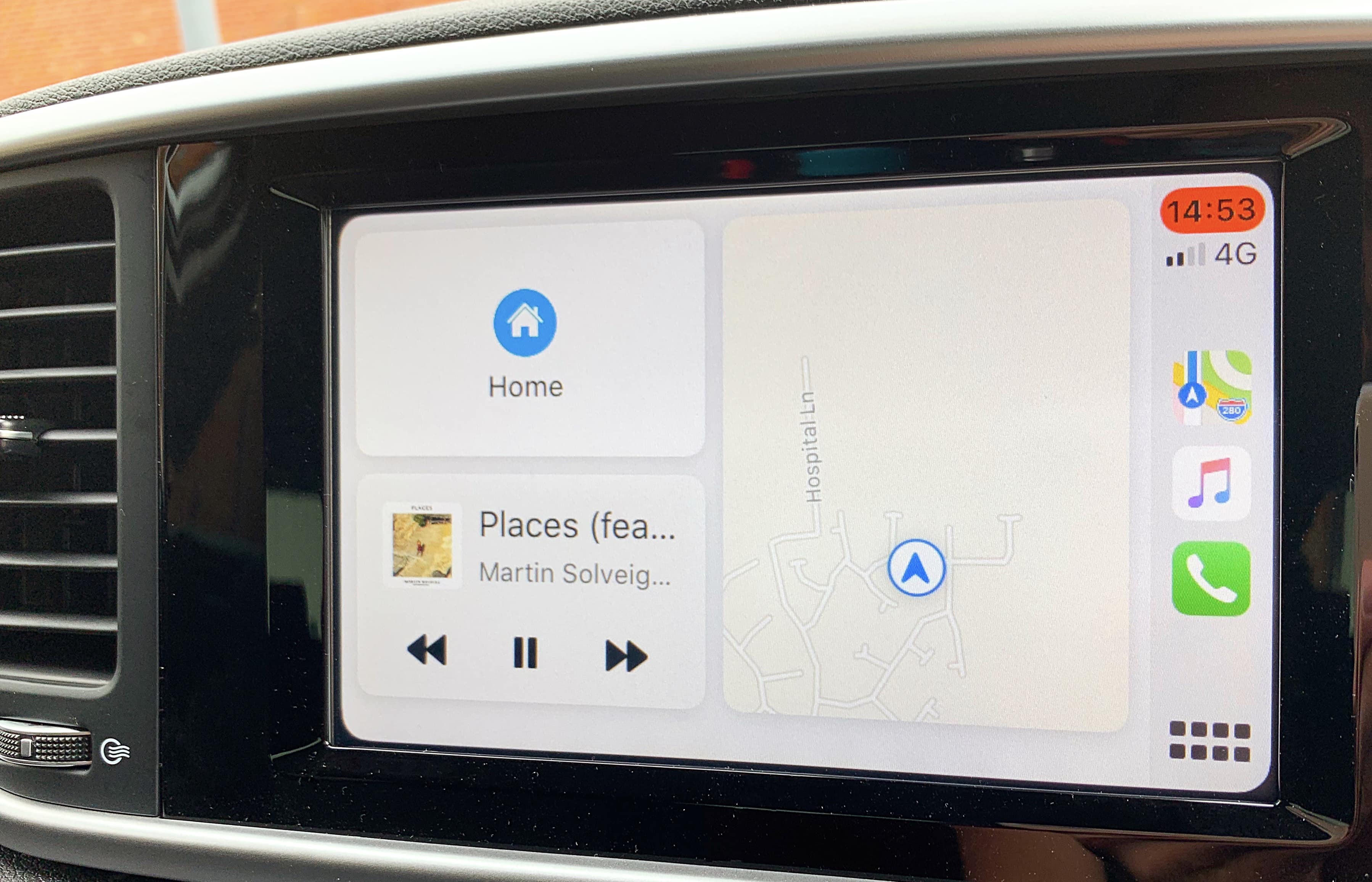
CarPlay is one of the smarter ways for accessing the iPhone safely while driving. A lot of things can be availed with it like receiving messages and calls, accessing apps or listening to the music. It is easy to command the CarPlay when driving as it makes use of Siri voice control.
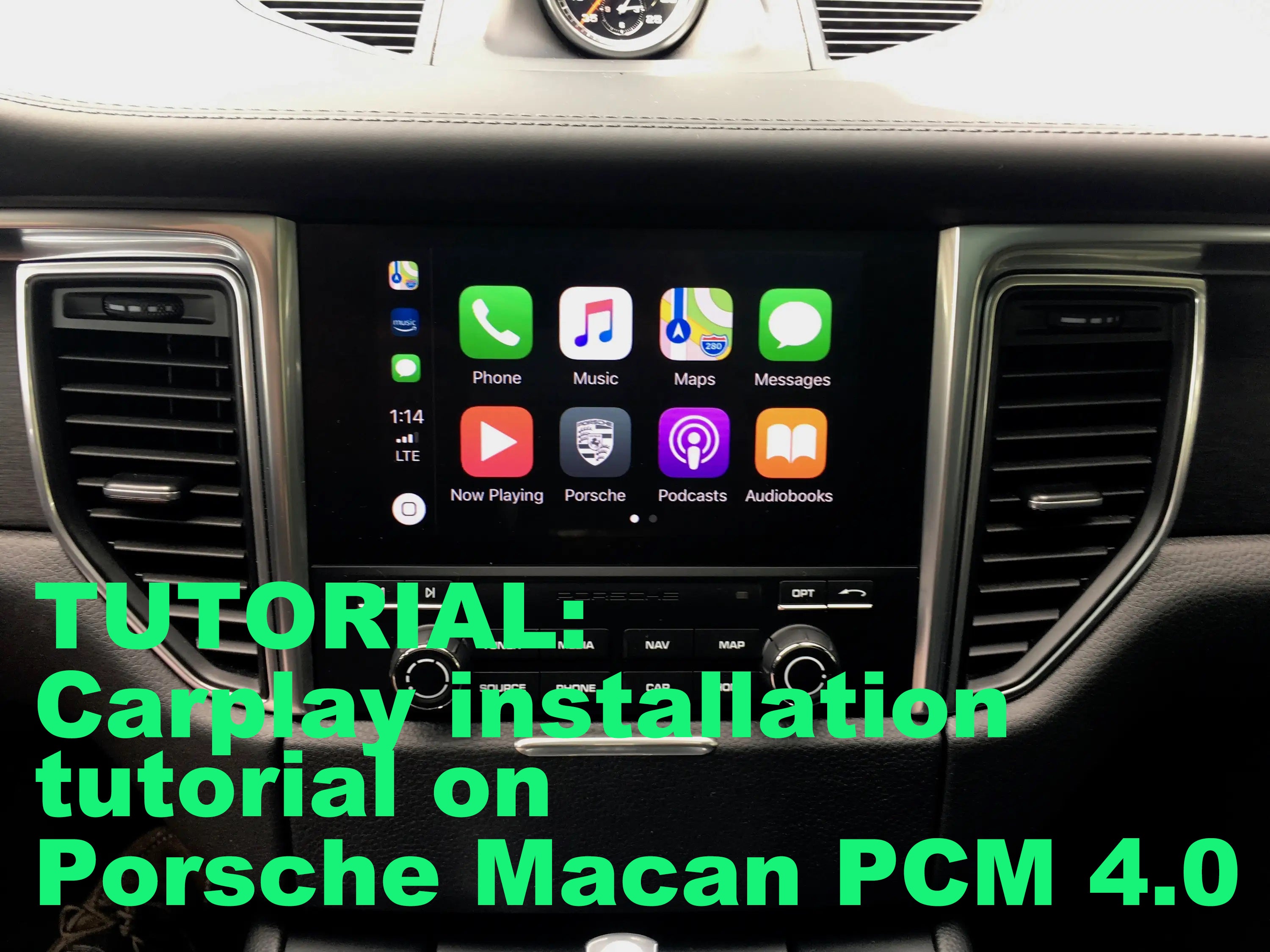
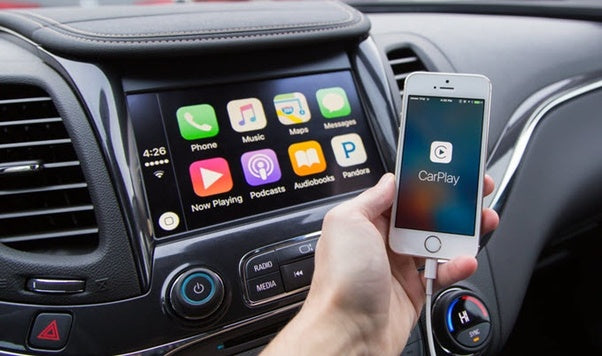
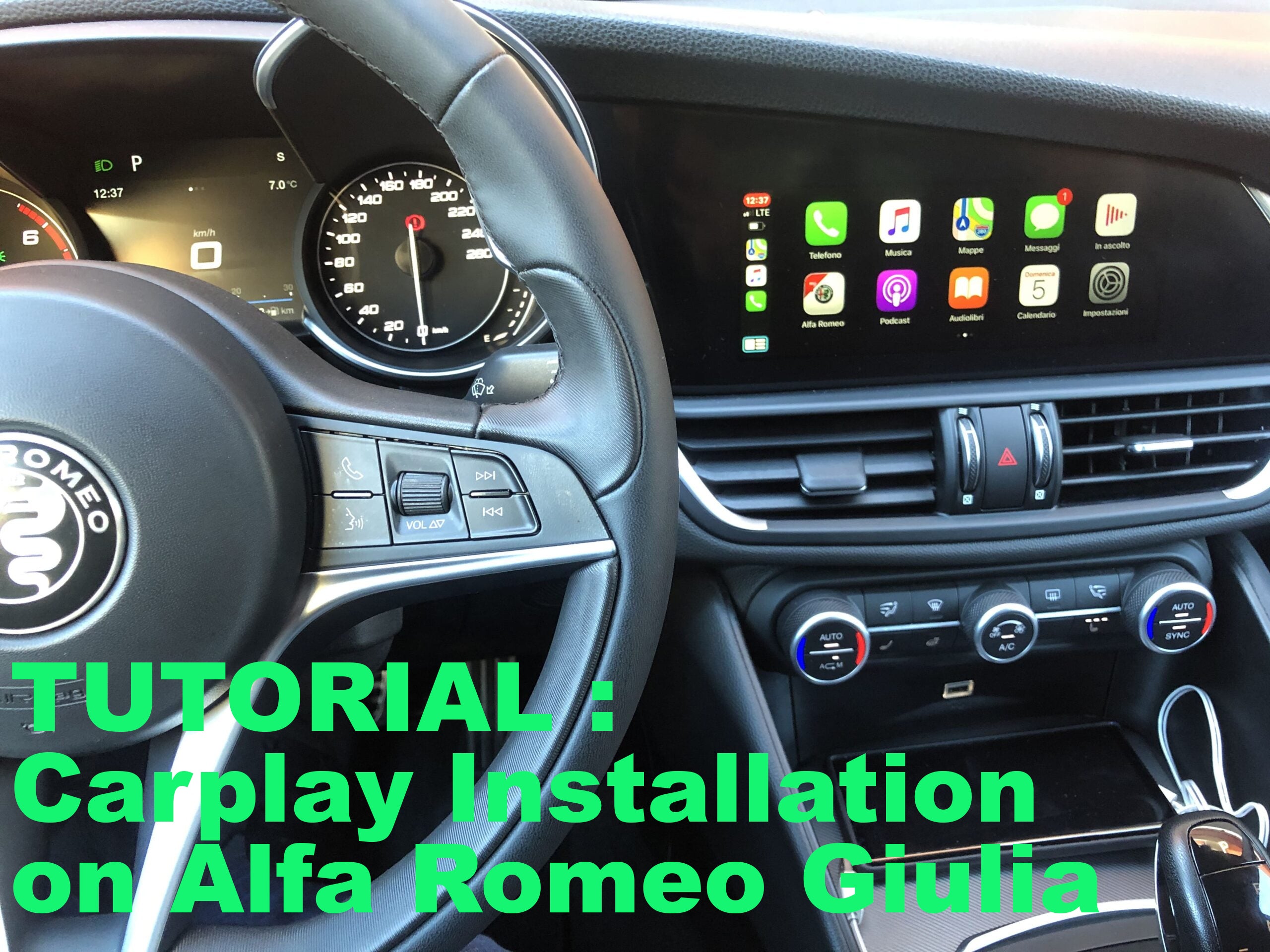
By connecting an iOS device to your car you can, amongst other things, listen to music, make calls, send and receive messages, as well as use selected apps. The functions can also be voice-controlled using Siri.
CarPlay for iPad feature is not allowed by default. However, there are some tricks and solutions for you to enjoy CarPlay on iPad. There are many versions of iDevices such as iPad mini, iPad, iPad Air and iPad Pro.
CarPlay was first announced at the 2013 Worldwide Developers Conference alongside iOS 7 as "iOS in the Car." At the time, it was described as iOS built into the car's navigation system, and several early partners were announced for 2014, including Honda, Mercedes, Nissan, Ferrari, Chevy, Kia, and Hyundai.
Can you watch Netflix on CarPlay?
The one thing everyone wants to know is whether you can watch Netflix on your CarPlay. On a stock iPhone you can't. However, if you are still keen on using Netflix on your screen it is possible on a jailbroken iPhone, as the CarPlay UI is generated by the iPhone itself.
Rear-view CCD Camera for CarPlay
With a rear-view camera system in your car, you'll gain a well-lit, wide-angle view of what’s behind you – something that a rear-view mirror just can't deliver. If you are just looking for additional safety or want to keep an eye on something you're towing, installing a rear-view CCD video system in your car, truck, or RV is important.
Do you have a display in your beautiful Audi Q2, but no Apple Carplay or Android car? Finally you can find the Apple world in your car without changing the original display.
Do you have a screen in your beautiful Audi A1 but you don't have navigation? Worry not, because Apple Carplay has got you covered. With the installation of Carplay you gain access to many great applications such as Waze, Google Maps, Spotify and many more!