News
Do you have a display in your beautiful Mercedes GLC, but no Apple Carplay or Android car?
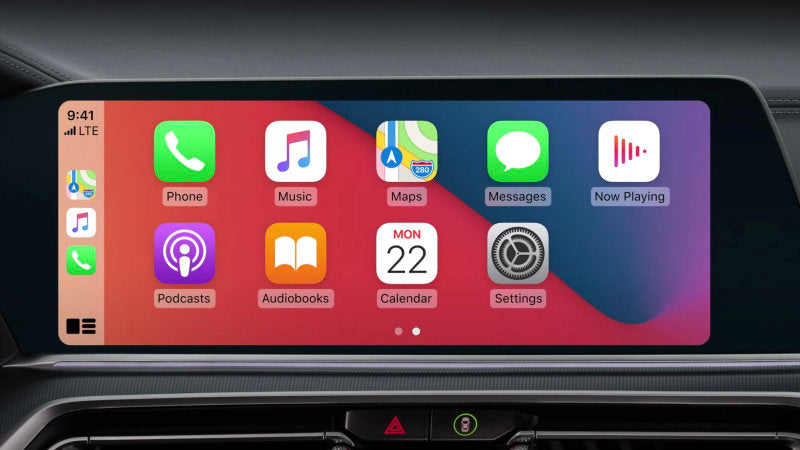
Finally you can find the Apple world in your car without changing the original display, it is better to install Carplay. It will have Waze, Google Maps... And other apps like Coyote, Spotify, Deezer, Amazon Music, Whatsapp, Youtube Music, Audible.
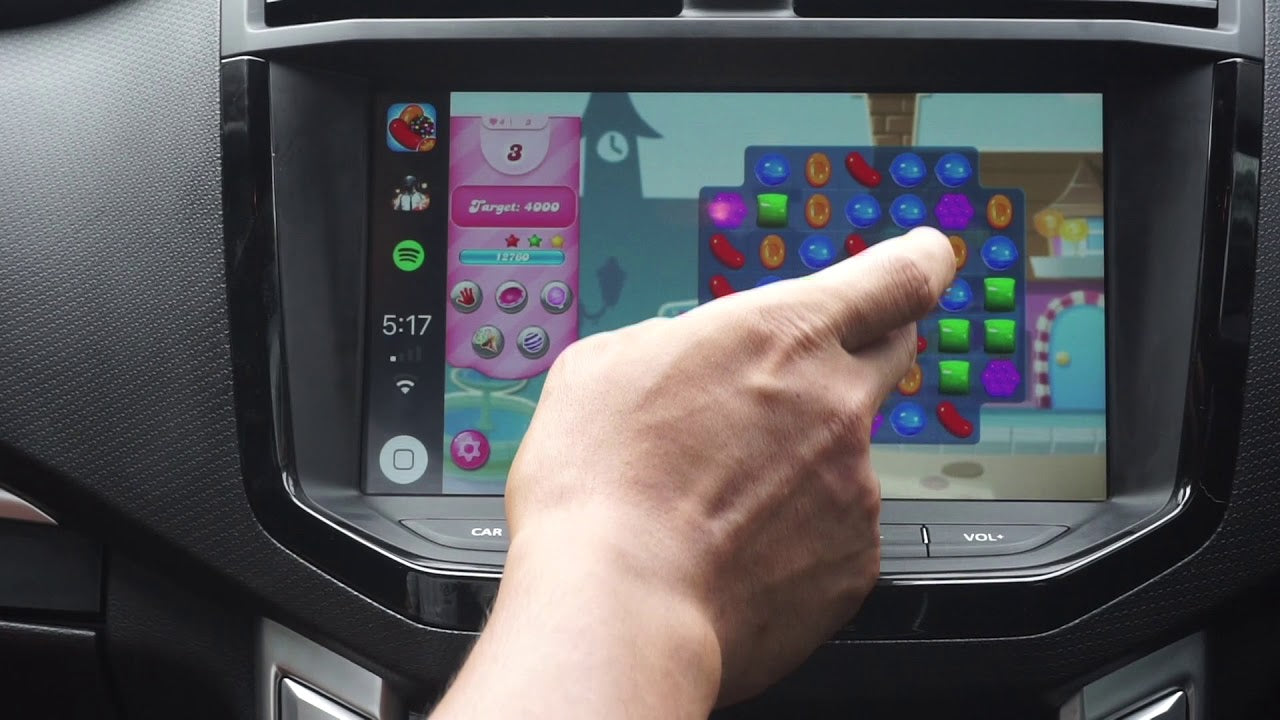
For security reasons, CarPlay blocks a large number of applications, such as YouTube. Why is that? Because video driving could cause accidents and is therefore prohibited. Fortunately, there are tools to get YouTube behind the wheel, especially when the vehicle is stationary. How do you do it? We take stock!
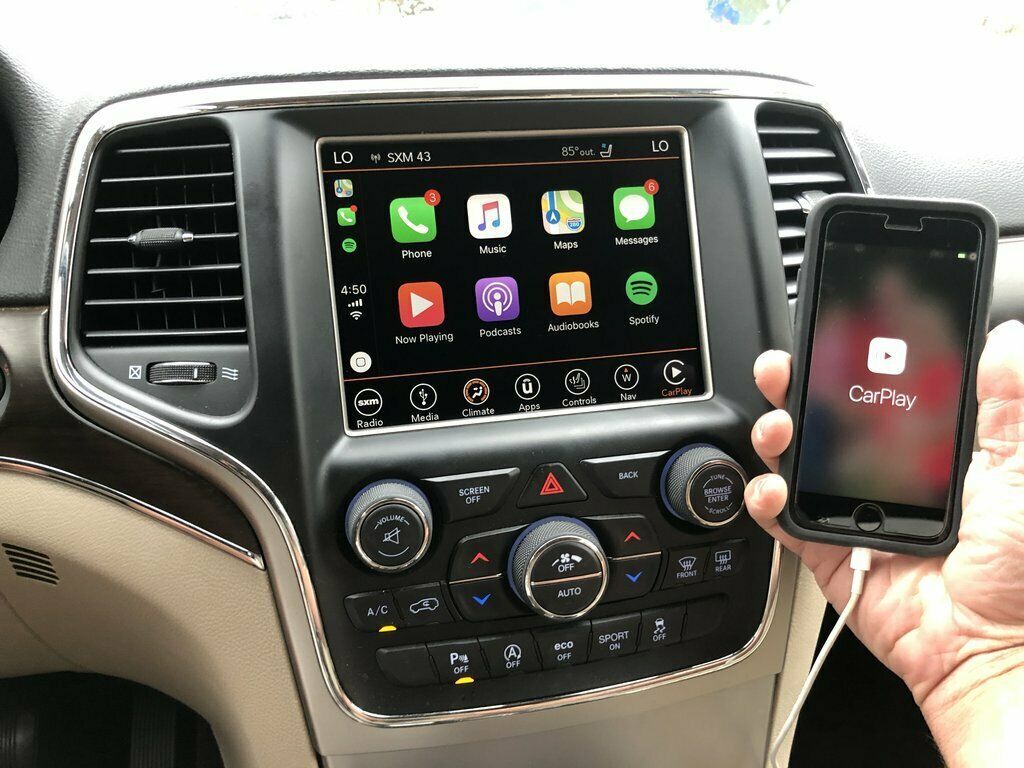
Without a doubt, Apple Carplay and Google's Android Auto are the two main infotainment systems that come into our vehicles. They simply connect a smartphone directly to the system in the car. But is it possible to have Carplay on an Android car radio? That's what we'll see together. Let's go!
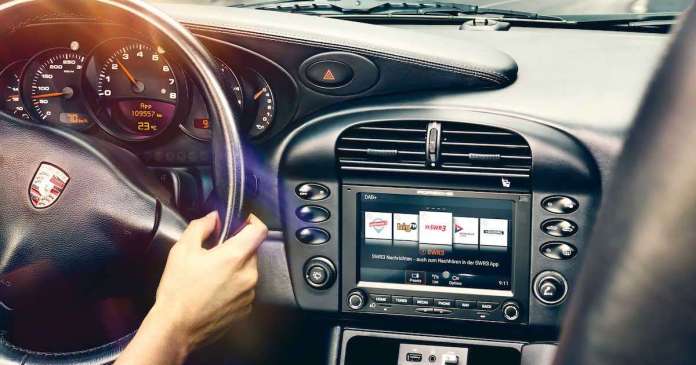
Apple CarPlay for my old Porsche
Finally, Apple CarPlay is available for older Porsches. Although the brand's recent cars already offer CarPlay, the manufacturer has just unveiled a new system that allows this functionality to be added to older vehicles, right up to the models released in the 1960s.
Carplay installation tutorial on Audi Q2
Carplay installation tutorial on Audi Q2 We will see here in pictures how to install Apple Carplay on an Audi Q2. Tutorial also valid for Audi A3, A4, A5, A6, A7, Q5, Q7.
The question comes up so often, how do you get Carplay? Is it just a download? Many people still confuse the "native" application in the iPhone with an "App" that can be downloaded from the Apple Store.
How can I find out about the BMW navigation version?
How can I find out about the BMW navigation version? Whether you want to find out your navigation version in order to update your GPS or to make your navigation system more effective, you can use the...
Carplay installation tutorial for Mercedes C-Class (C63 AMG)
Carplay installation tutorial on Mercedes C-Class W205 (C63 AMG) We will see here in pictures how to install Apple Carplay on a Mercedes C-Class C63 AMG. Required hardware: a T20 torx screwdriver. Installation time: 30-40 minutes
To all those who have previously dreamed of being able to use their smartphone and drive simultaneously and safely: your wishes have come true. So how does it work? How is it useful for professionals? This article provides details on how it works and its benefits.