

News
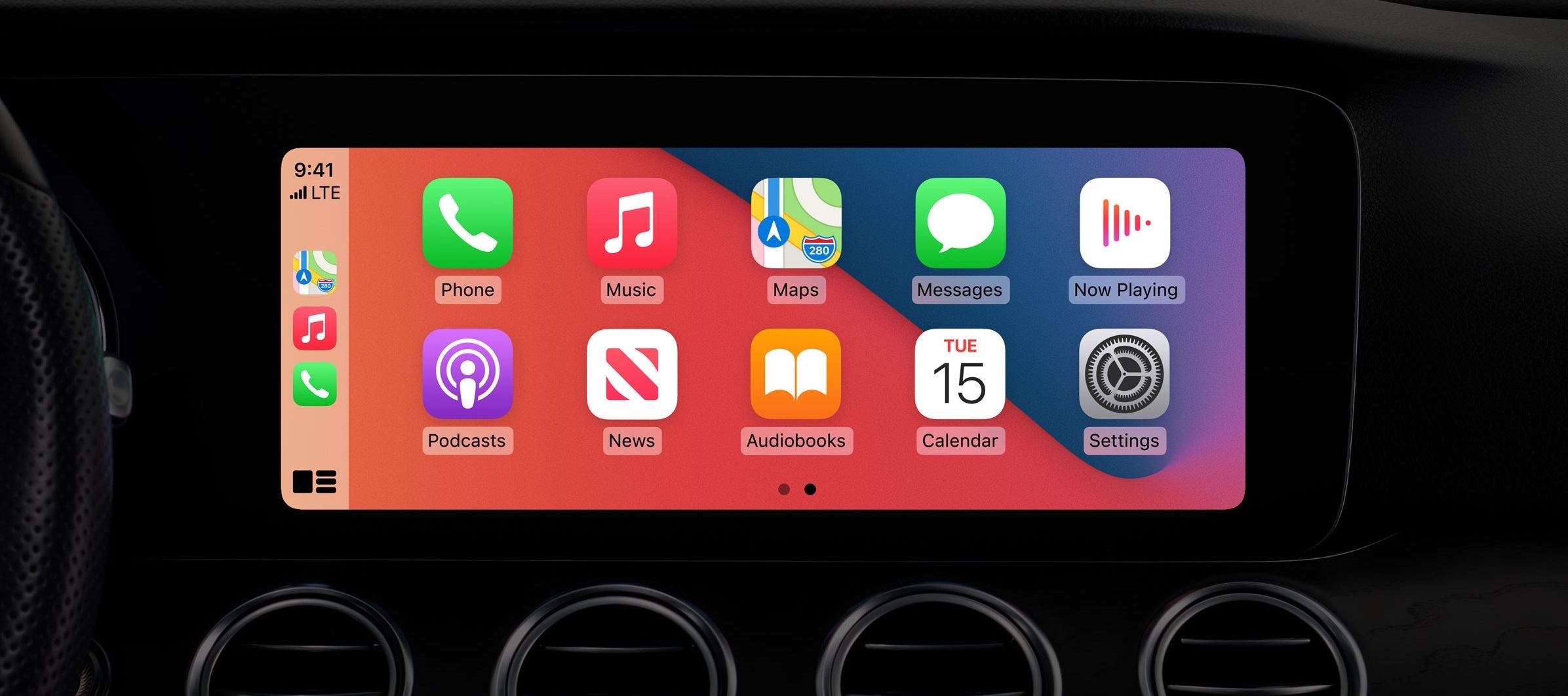
The Easiest Way to Organize CarPlay Apps on the Home Screen
CarPlay already comes with support for plenty of apps, but the good news is the release of iOS 14. The latest big update available for the iPhone has unlocked the platform for even more categories of apps.
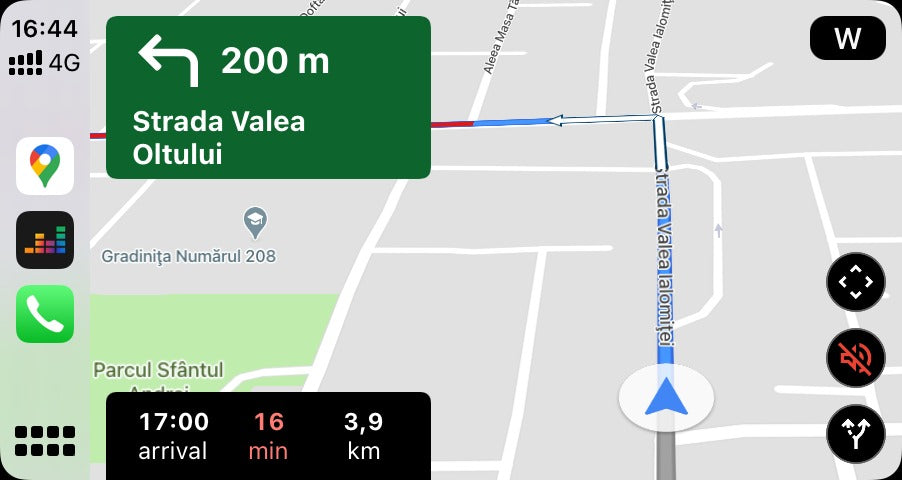
How Google Maps Determines Your Location
Google Maps is currently the top navigation app out there, and it happens for a good reason. Google has put a lot of work into keeping the information displayed to users as accurate as possible. Given it already covers most of the world, it’s easy to understand why so many people rely on this app to receive directions to a specific destination.
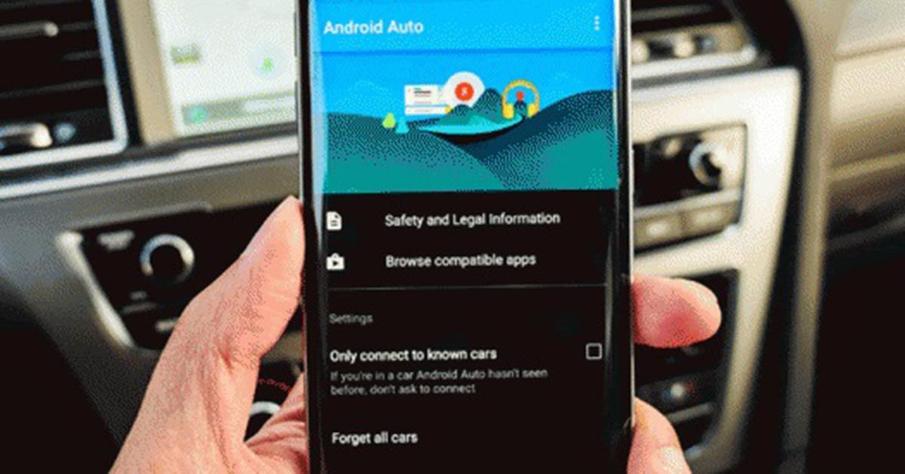
Unlike CarPlay, Android Auto has an app to get Android Auto into your car. Therefore, you need to make sure you have the Android Auto app installed before you try it in your car. If you have never used Android Auto on your phone, you can learn how to install Android Auto here.
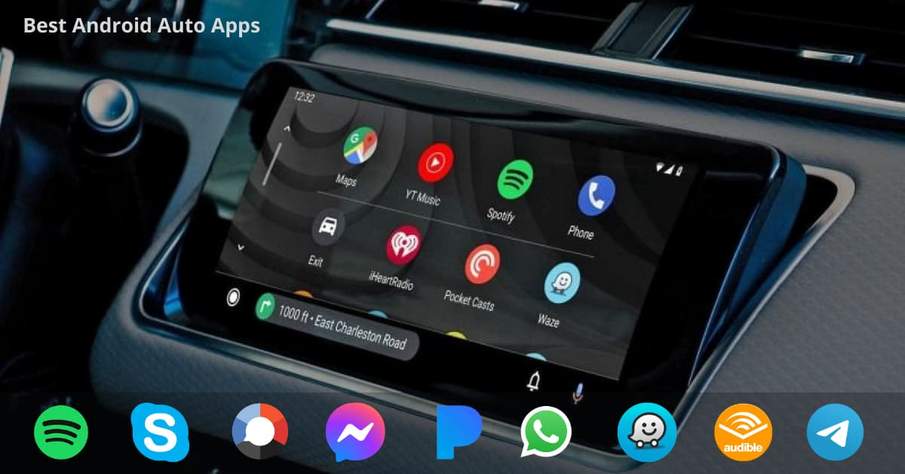
Best Android Auto Apps 2020/2021
Android Auto Apps or the Android Auto Compatible Apps refers to the apps that can be used through your car's infotainment system when your phone is connected to it. So you don't need to touch your phone to use these apps while driving. These apps are essentially operated via voice commands and fewer touches on the Android Auto display.
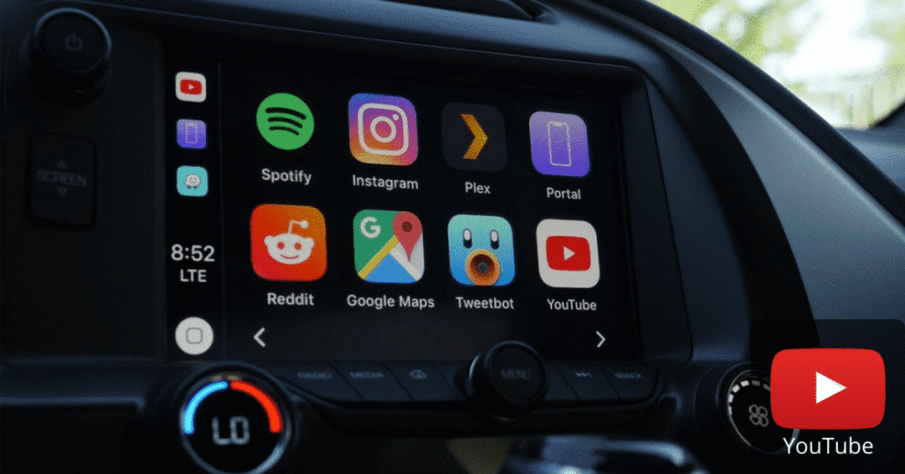
It is true that CarPlay and Android Auto have amazed its users with its features; maps, music, podcasts, voice texts and calls have become more than once. Yet people still miss something.
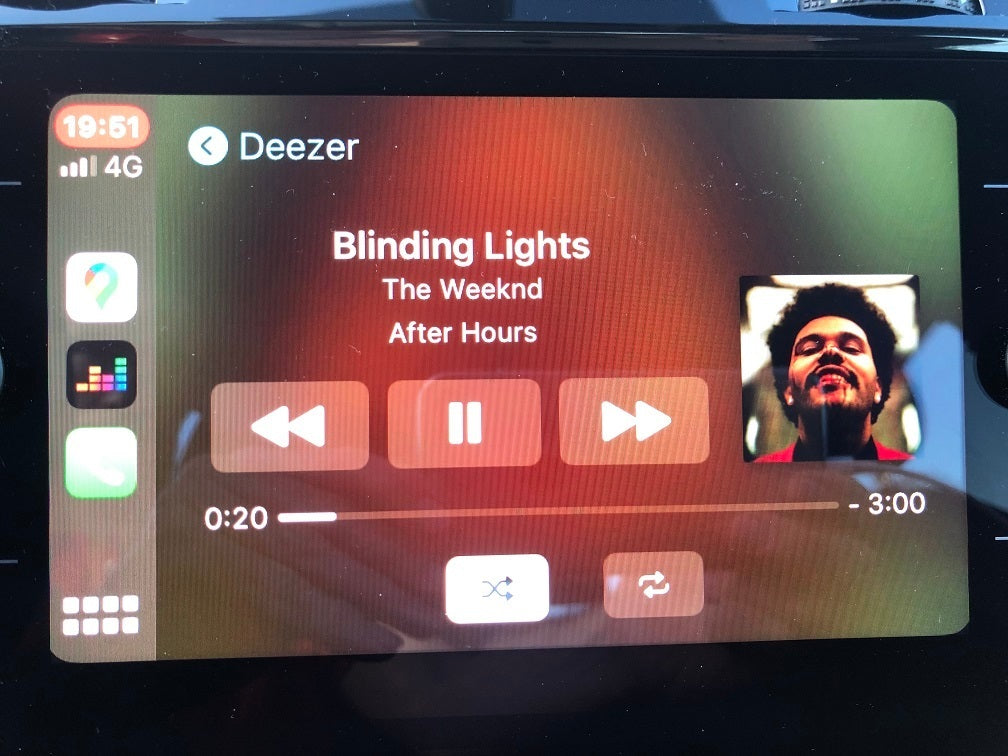
At the end of 2015, Deezer updated its application available on the App Store, which finally became compatible with Apple CarPlay. Drivers can now listen to Deezer at the wheel from the dashboard, via their iPhone.
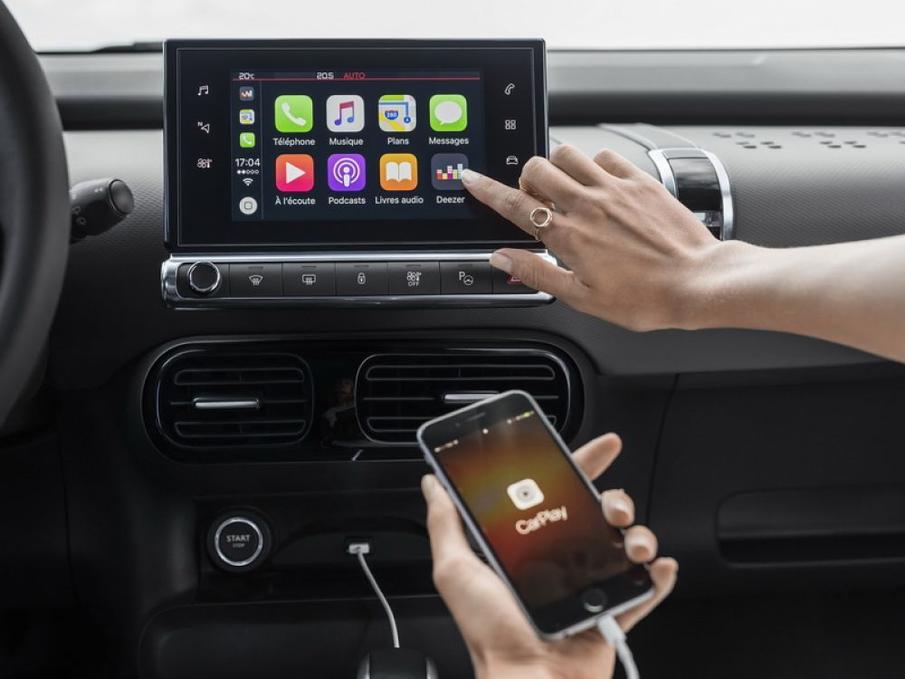
Why have CarPlay on your C4 Cactus?
In recent years, many people around the world have been owning an iPhone, and not for nothing. If this is your case, you should know that it is highly recommended to have CarPlay on your Citroën C4 Cactus. Why? Let's discover together the main reasons!
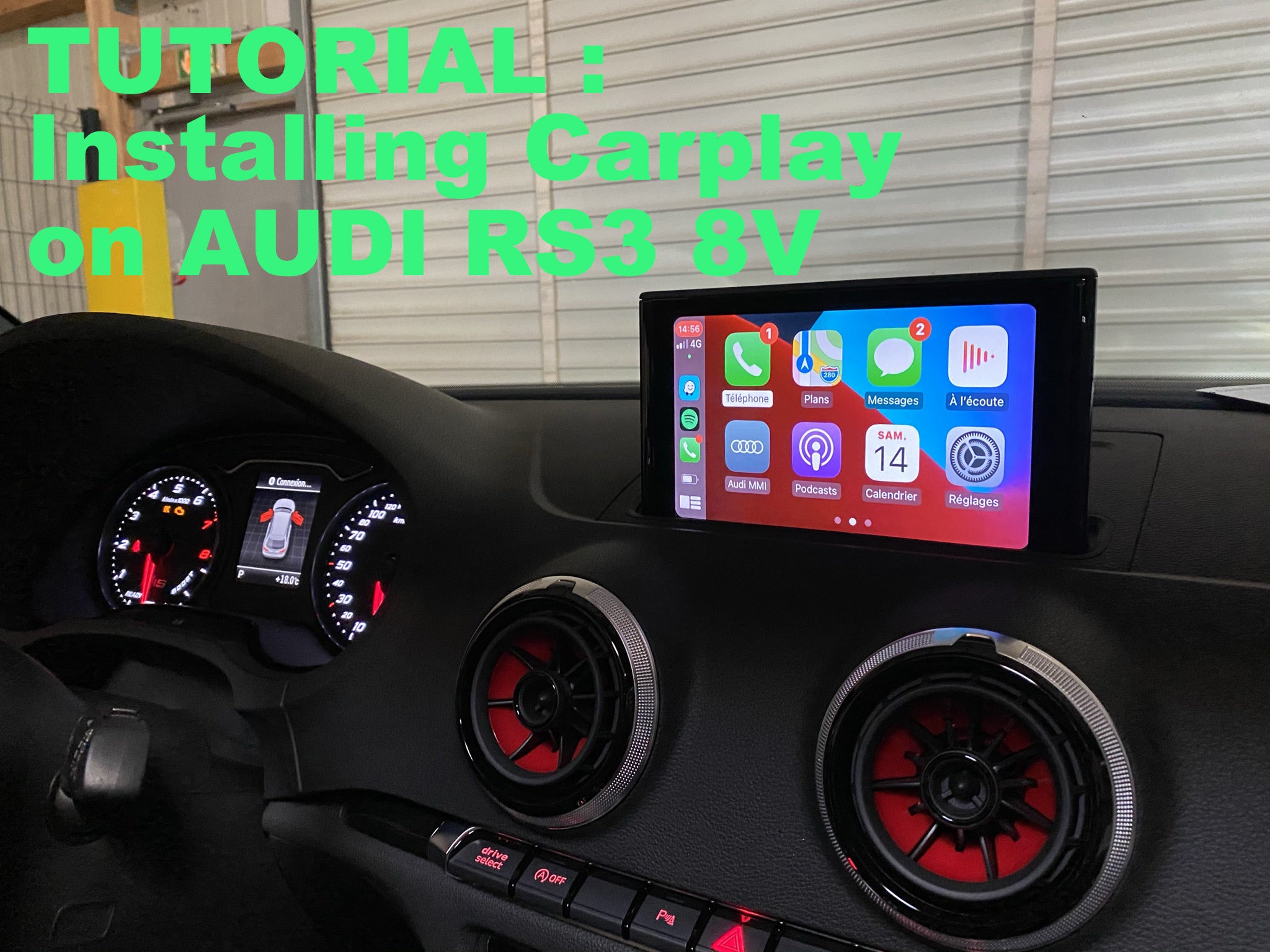
Carplay installation tutorial on Audi RS3
We will see here in pictures how to install Apple Carplay on an Audi RS3, similar to an S3 or an A3, the important thing is that it is an 8V. Hardware required: a ratchet with 8 bits and 2 Audi car radio extraction keys. Installation time: 30-40 minutes. Inventory: Carplay module and wiring. This includes the module, a wifi antenna, 2 LVDS (video) cables, the power cable, the sound cable, and a USB cable (do not plug it in if using the wireless device).
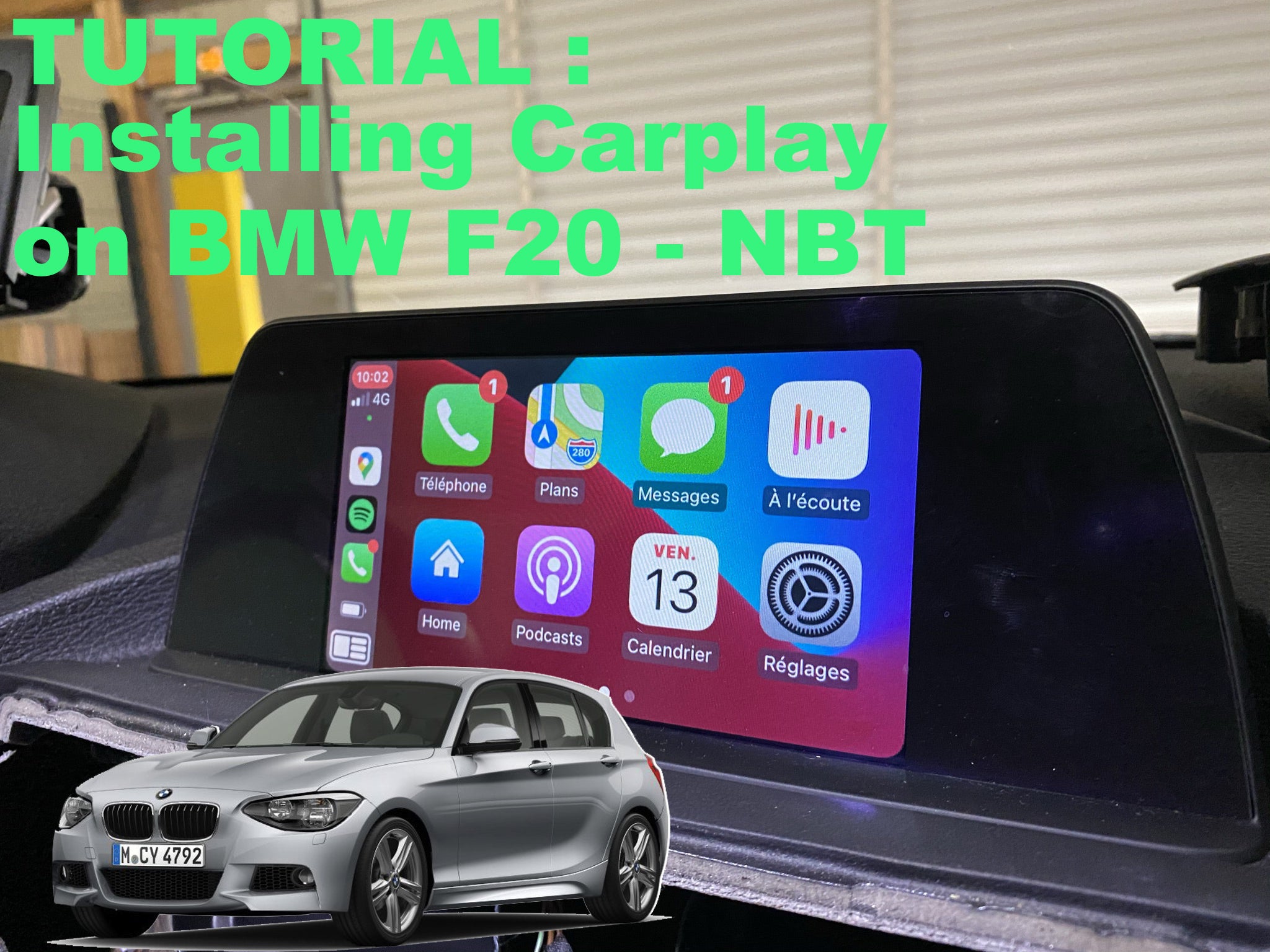
Carplay installation tutorial on BMW F20 with NBT system
We will see here in pictures how Apple Carplay is installed on a BMW 1 series F20 with NBT system. Required hardware: a T20 torx screwdriver. Installation time: 30-40 minutes. Inventory: Carplay module and wiring. This includes the module, a wifi antenna, 2 LVDS (video) cables, the power cable, the auxiliary cable, and a USB cable (no need to plug it in if using the wireless device).