

News
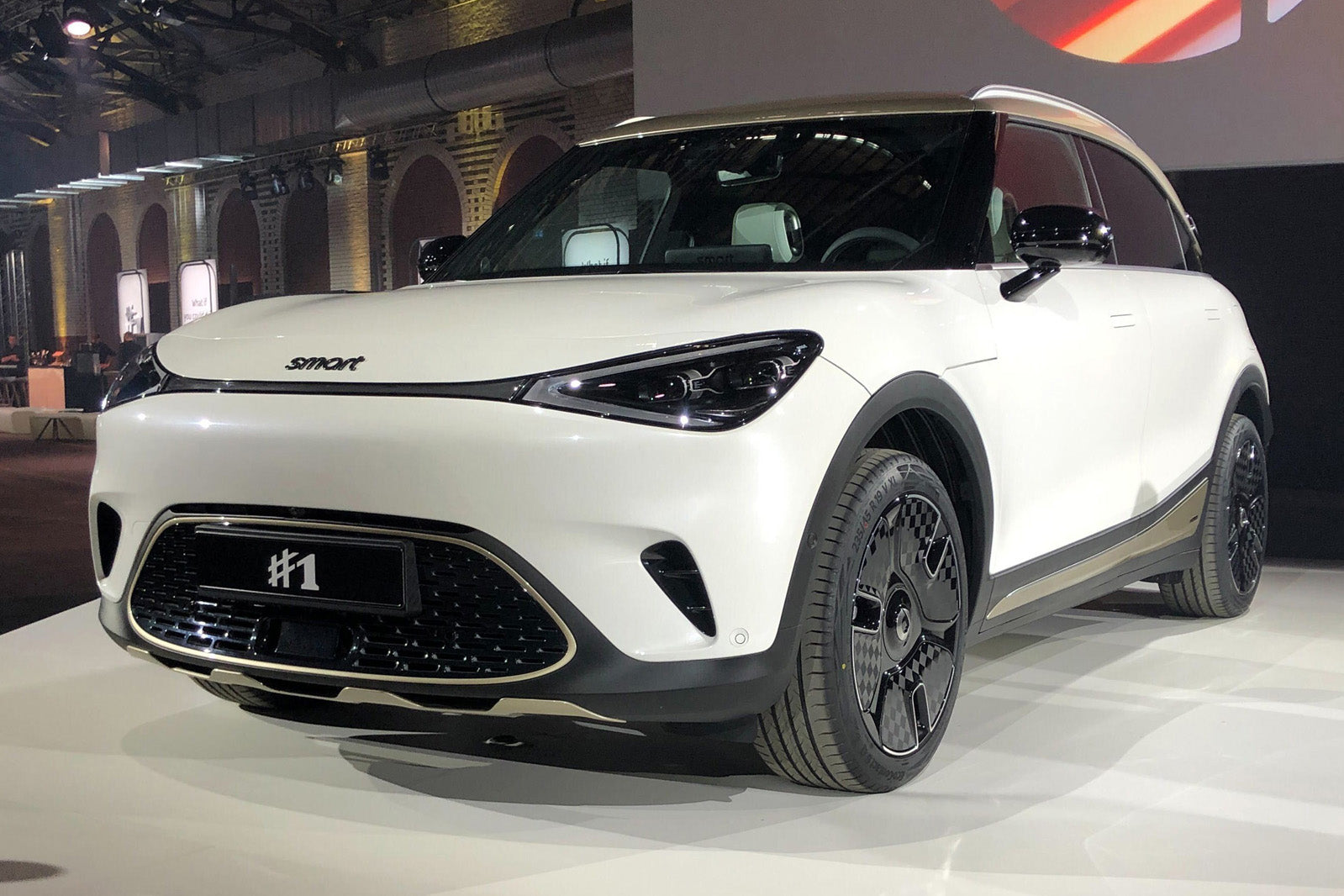
The new Smart #1 wants neither Apple Carplay nor Android Auto!
With the new #1, Mercedes-Benz's baby, Smart, has changed the game: the shape of the car, the design, the technical layout, and something unprecedented and very important in EVs: the entire software ecosystem.
Among the innovations announced at the presentation of this new vehicle, there was one seemingly insignificant, but that says a lot about the ambitions of the Daimler-Geely project: the decision not to equip the first place with the most popular in the world, such as Apple CarPlay and Android Auto, total amazement, lucidity... or not?
Among the innovations announced at the presentation of this new vehicle, there was one seemingly insignificant, but that says a lot about the ambitions of the Daimler-Geely project: the decision not to equip the first place with the most popular in the world, such as Apple CarPlay and Android Auto, total amazement, lucidity... or not?
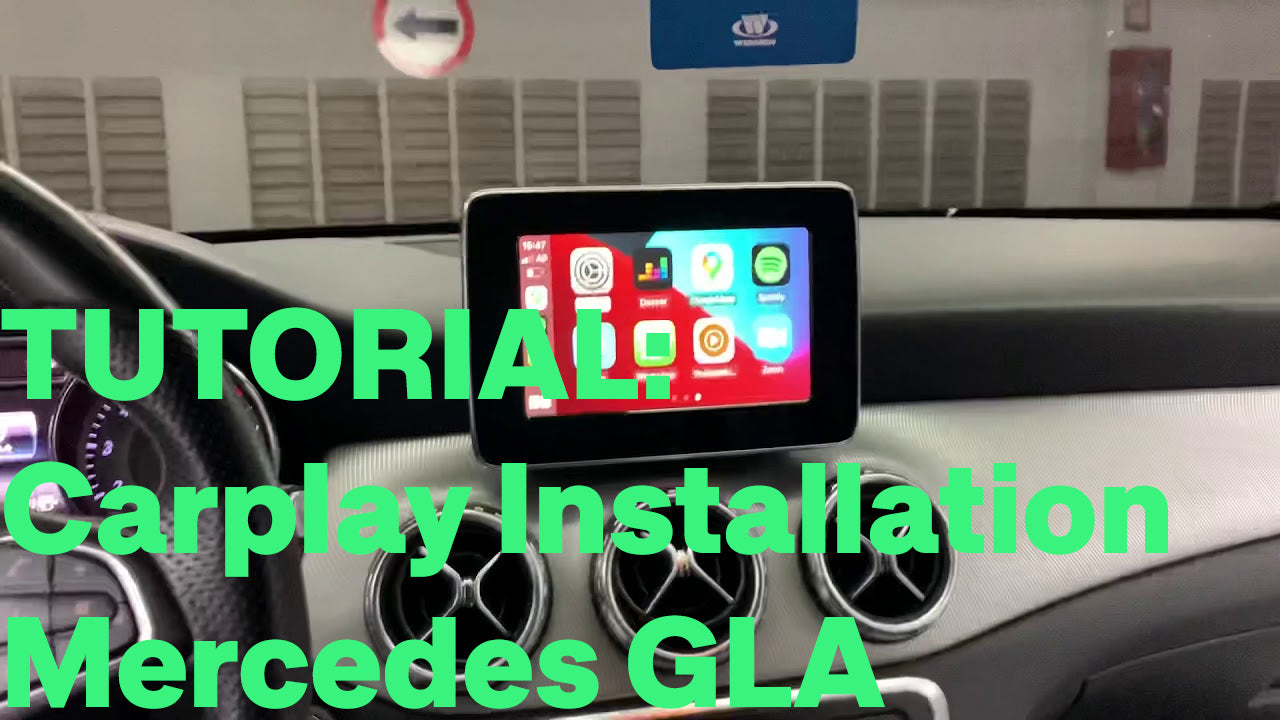
Carplay installation tutorial on Mercedes GLA
In the following tutorial, we will observe in images the procedure for installing Apple Carplay on a Mercedes GLA Class of 2014 and therefore with a version NTG 4.5 4.7. Equipment needed: a T20 torx screwdriver and a curved tool to remove the ventilation grills. Installation time: 30-40 minutes. Inventory: Carplay module and wiring. So we count the module, a wifi antenna, 2 LVDS (video) cables, the power cable, the auxiliary cable, and a USB cable (no need to connect it if you use the device wirelessly).
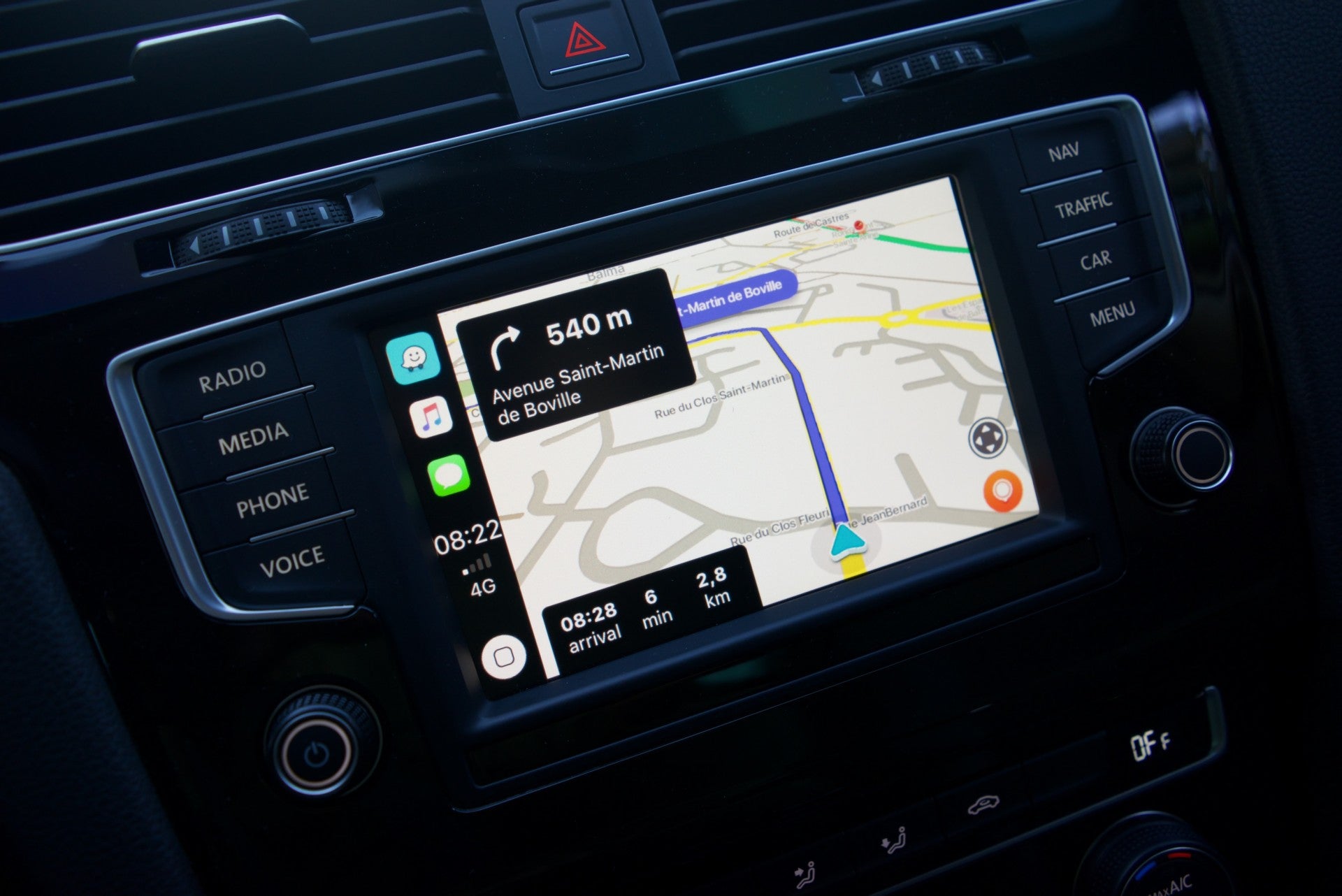
3 things you didn't know about Waze for Android and iPhone
Of course, using a mobile device to navigate, listen to music or talk to contacts while driving makes a lot of sense, especially since Google and Apple have developed car-optimized experiences for users.
Waze is useful in many ways, but compared to other navigation apps, it's often a huge difference with a community-powered reporting system. Based on reports sent in by other users on the road, Waze can find the fastest route to a particular destination and then provide instructions on how to get there.
In general, Waze is very accurate, especially since it uses real-time traffic data collected from millions of cell phones.
The concepts it is based on are very simple, but on the other hand, Waze is a very complex software. Today, we are going to tell you three things you probably didn't know about this application.
Waze is useful in many ways, but compared to other navigation apps, it's often a huge difference with a community-powered reporting system. Based on reports sent in by other users on the road, Waze can find the fastest route to a particular destination and then provide instructions on how to get there.
In general, Waze is very accurate, especially since it uses real-time traffic data collected from millions of cell phones.
The concepts it is based on are very simple, but on the other hand, Waze is a very complex software. Today, we are going to tell you three things you probably didn't know about this application.
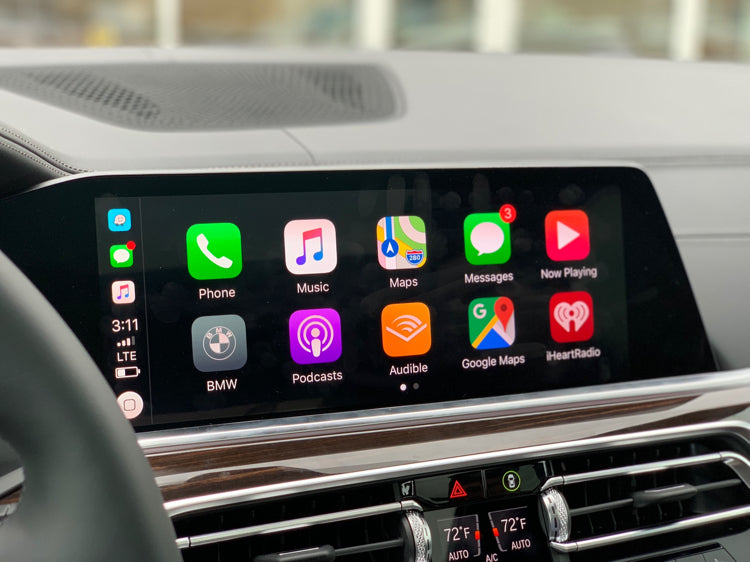
Apple Carplay will be able to control elements of your vehicle
Since its introduction in 2016, Apple CarPlay has improved significantly over the default user interface in most cars, but many of our concerns with it and Android Auto stem from their limitations. New features like dual-screen support and third-party apps like Google Maps can help, but much of the driving experience still exists outside of Apple's control panel. Mark Gurman reported for Reuters that Apple's "IronHeart" project plans to tie features like climate control, seat positioning and even some surround sound settings to the iPhone.
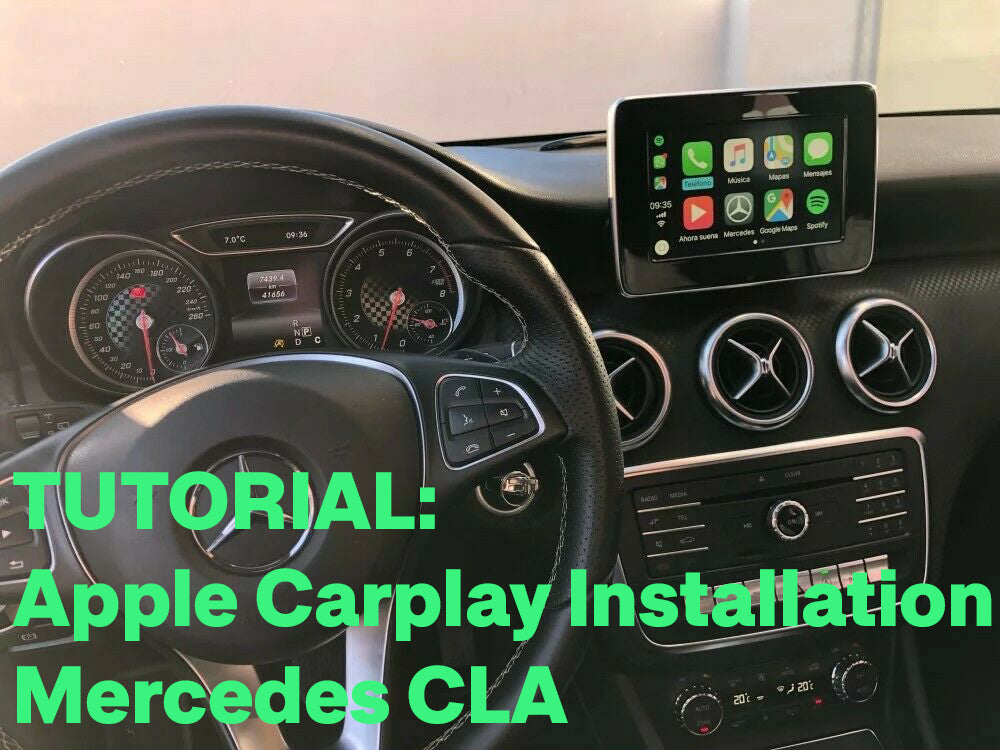
Carplay installation tutorial for Mercedes CLA
In this tutorial, we will see here in pictures how to install Apple Carplay on a Mercedes CLA Class of 2014 and therefore with a version NTG 4.5 4.7. Equipment needed: a T20 torx screwdriver and a curved tool (a coat hanger for example). Installation time: 30-40 minutes. Inventory: Carplay module and wiring. So we count the module, a wifi antenna, 2 LVDS (video) cables, the power cable, the auxiliary cable, and a USB cable (no need to connect it if you use the device wirelessly).
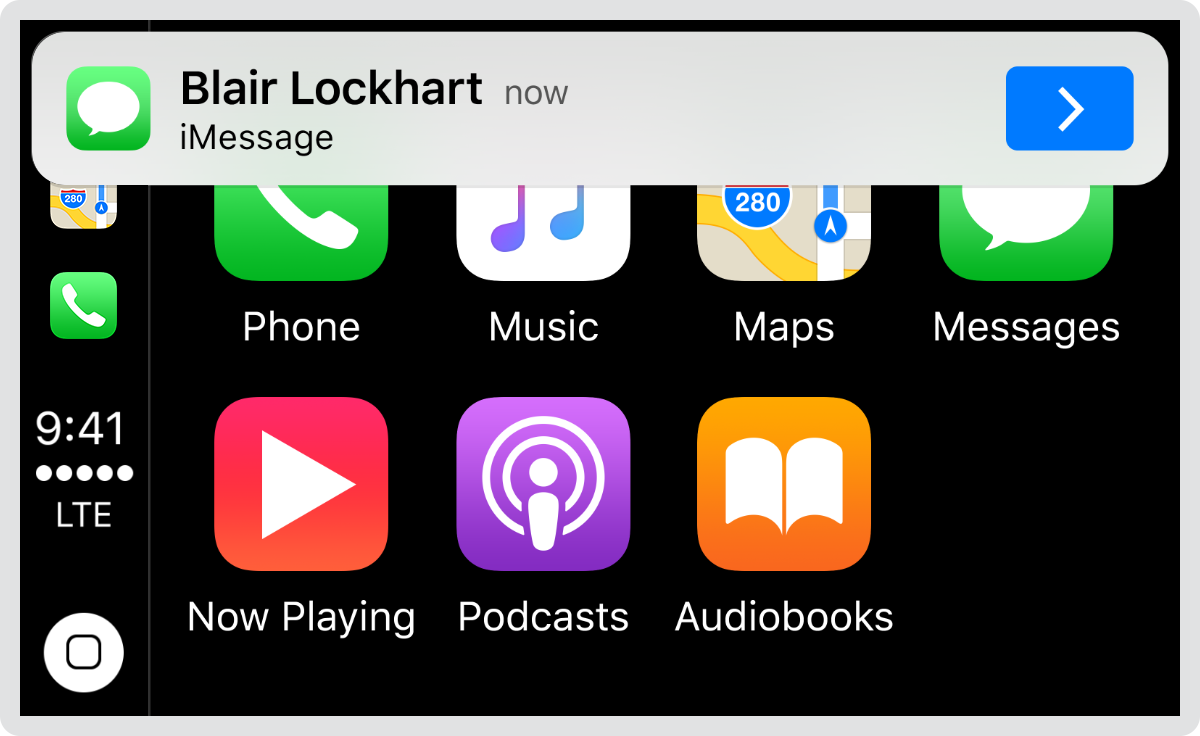
How to remove message notifications from Apple CarPlay
Imagine following instructions from your car's infotainment system on a lightly traveled road until you get a message that blocks most of the screen. It's a shame, isn't it? Apple CarPlay is so intuitive that you can listen to music, view maps and receive information at any time. But when the message pops up, things get a little more complicated. Even worse, you can't delete the notifications right away. Fortunately, there is a way to delete messages and other notifications from Apple CarPlay.
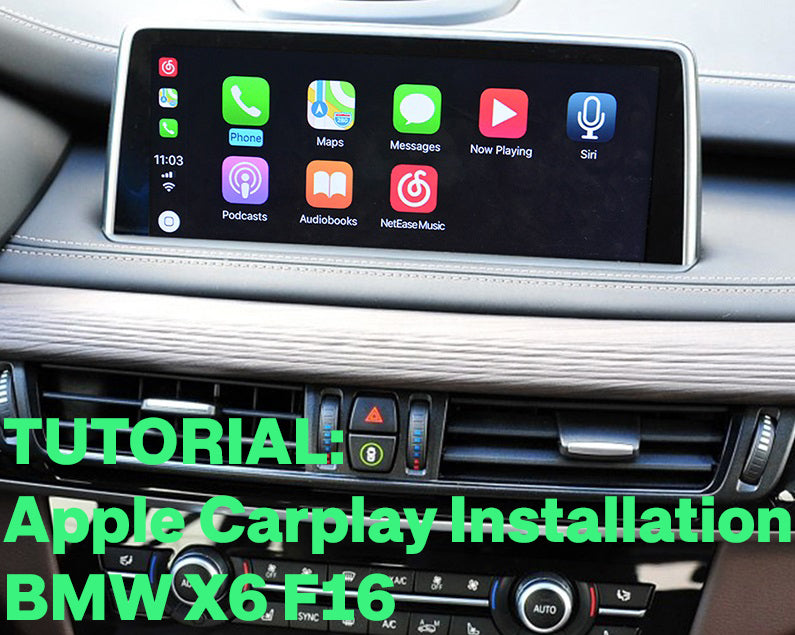
Carplay installation tutorial on BMW X6 F16
We will see here in pictures how to install Apple Carplay on a BMW X6 F16 with NBT system. Required equipment: a T20 torx screwdriver. Installation time: 30-40 minutes. Inventory: Carplay module and wiring.
So we count the module, a wifi antenna, 2 LVDS (video) cables, the power cable, the auxiliary cable, and a USB cable (no need to plug it if you use the device wirelessly).
So we count the module, a wifi antenna, 2 LVDS (video) cables, the power cable, the auxiliary cable, and a USB cable (no need to plug it if you use the device wirelessly).
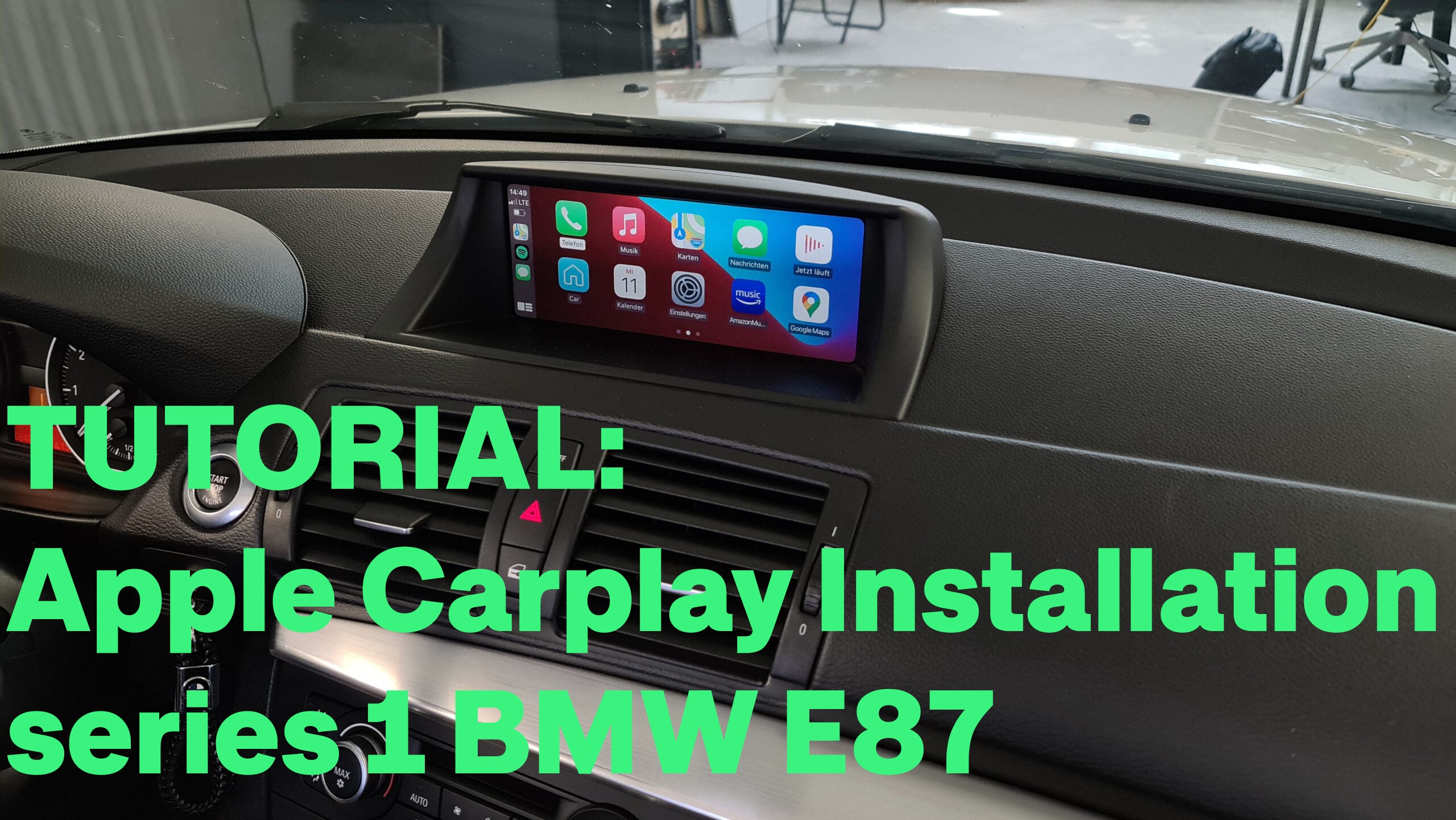
Carplay installation tutorial on BMW 1 Series E87
In this tutorial we will see how to install Apple Carplay on a BMW E87 with a CIC version. Required equipment: a cross-headed screwdriver. Installation time: 30-40 minutes. Inventory: Carplay module and wiring.
So we count the module, a wifi antenna, 2 LVDS (video) cables, the power cable, the sound cable, and a USB cable (you don't have to connect it if you use the device wireless).
So we count the module, a wifi antenna, 2 LVDS (video) cables, the power cable, the sound cable, and a USB cable (you don't have to connect it if you use the device wireless).
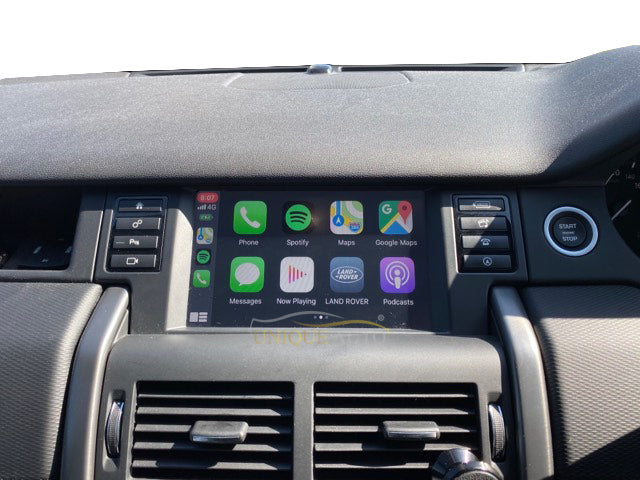
Apple Carplay on a Land Rover Discovery Sport
We are in an era where autonomous driving is increasingly encouraged. If you have a Land Rover Discovery Sport, you're in a position to take advantage of Apple Carplay, which is a must-have feature for safe driving. Find out what it's really like in this section without further ado.