

News
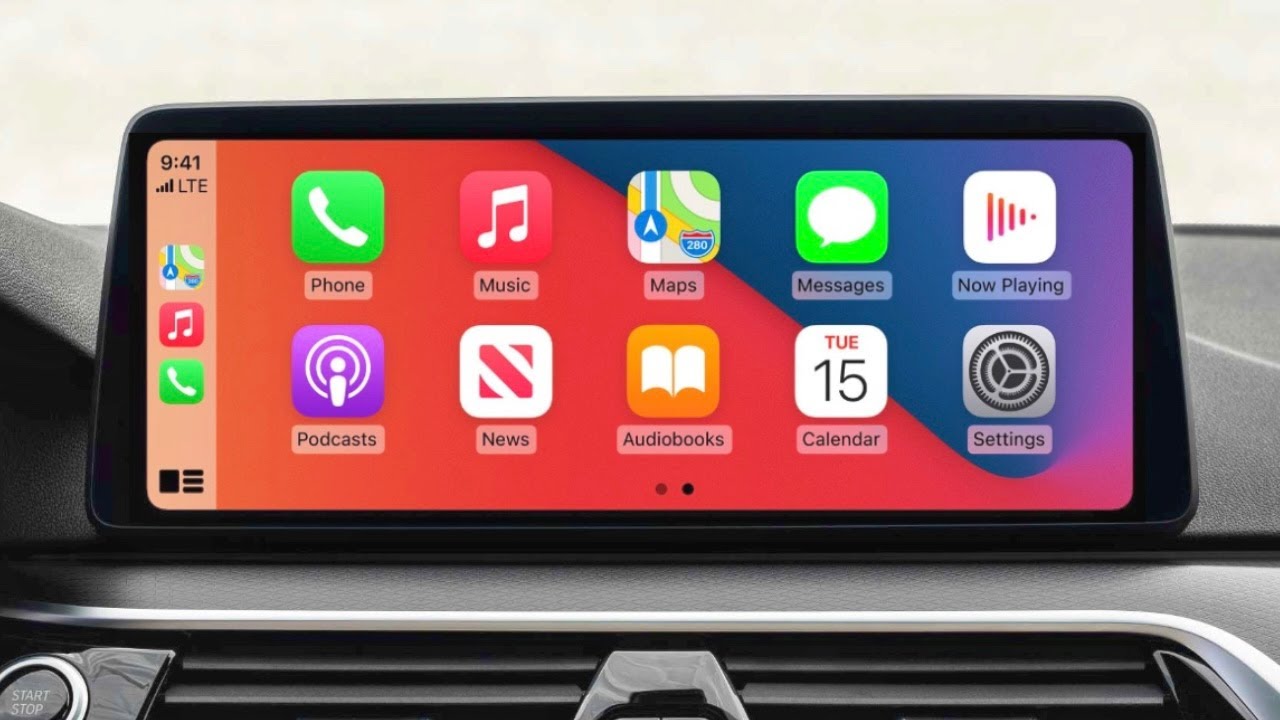
The differences between Android Auto and Apple CarPlay
The never-ending battle between Android and iOS continues, with users of each platform touting the superiority of its mobile operating system. The battle between the platforms is not limited to home devices such as smartphones and tablets, but extends to infotainment systems in cars. These in-car infotainment systems can do more than just entertainment units. Google's in-car infotainment system is called Android Auto, while Apple's is called Apple CarPlay. These infotainment systems are usually not the only deciding factor in buying a car, but they can be one of the key factors to consider. It was recently reported that due to a semiconductor shortage, BMW cars are not equipped with Android Auto or Air CarPlay. Here, we'll look at how Android Auto differs from Apple CarPlay and which system works best for each user.
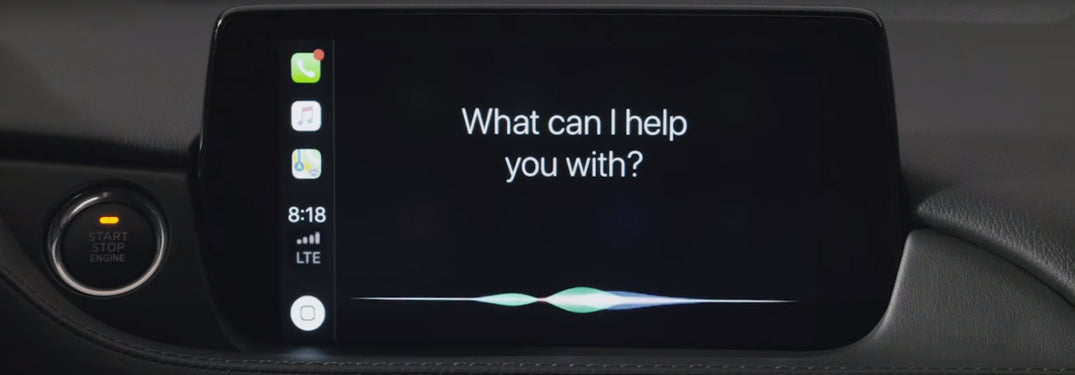
Apple uses Siri for nearly every interaction. Just like on an iPhone, Siri can change the music, send a text, launch an app or provide navigation. Using Siri is a lot more natural than a phone while in a car.
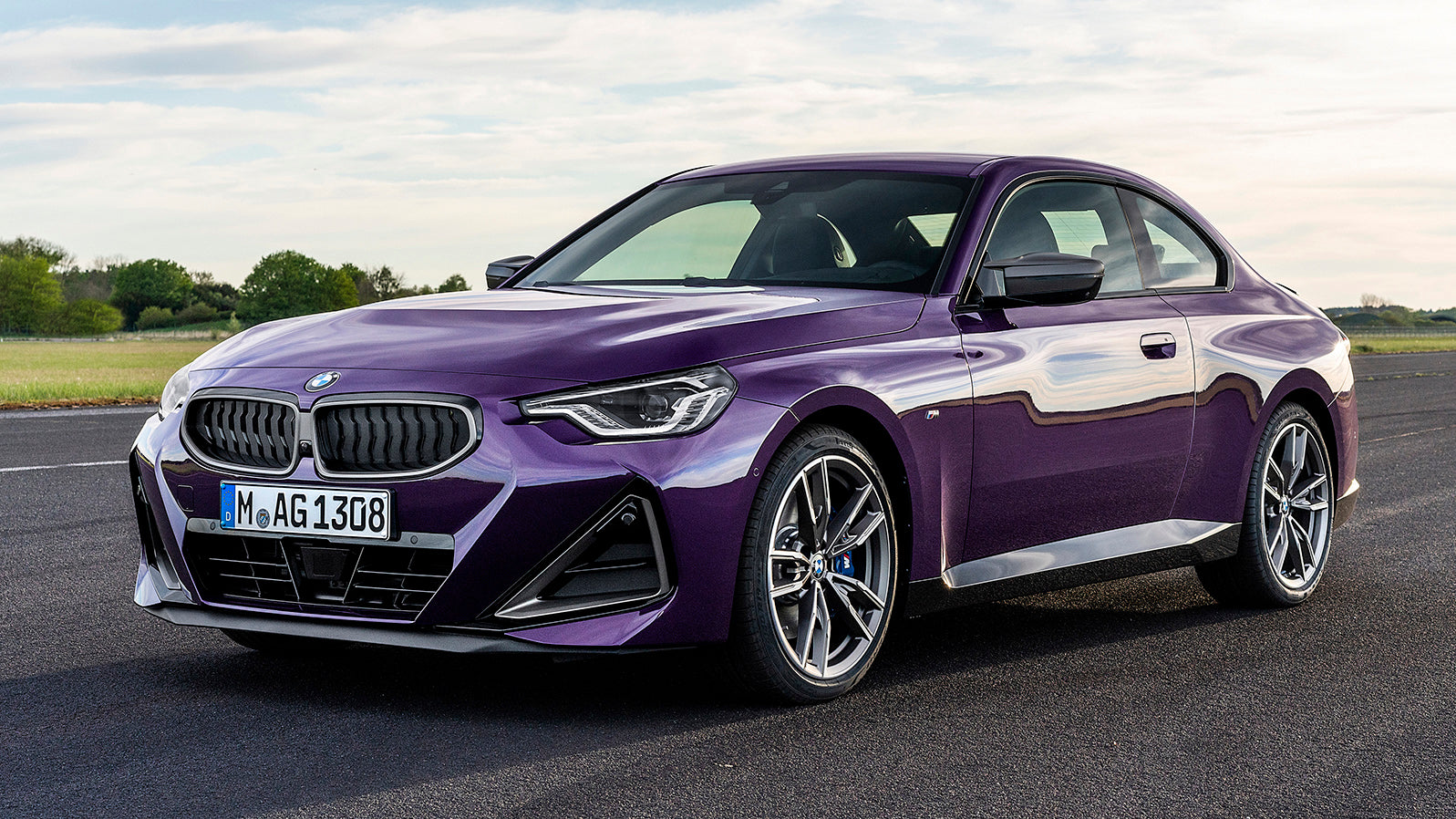
BMW will deliver its new vehicles without Apple Carplay
The new chips built into many BMW cars built this year require software updates to run Apple CarPlay and Android Auto. Dealers are asking BMW customers who receive new cars without CarPlay to wait for an over-the-air update that will enable the functionality "by the end of June at the latest."
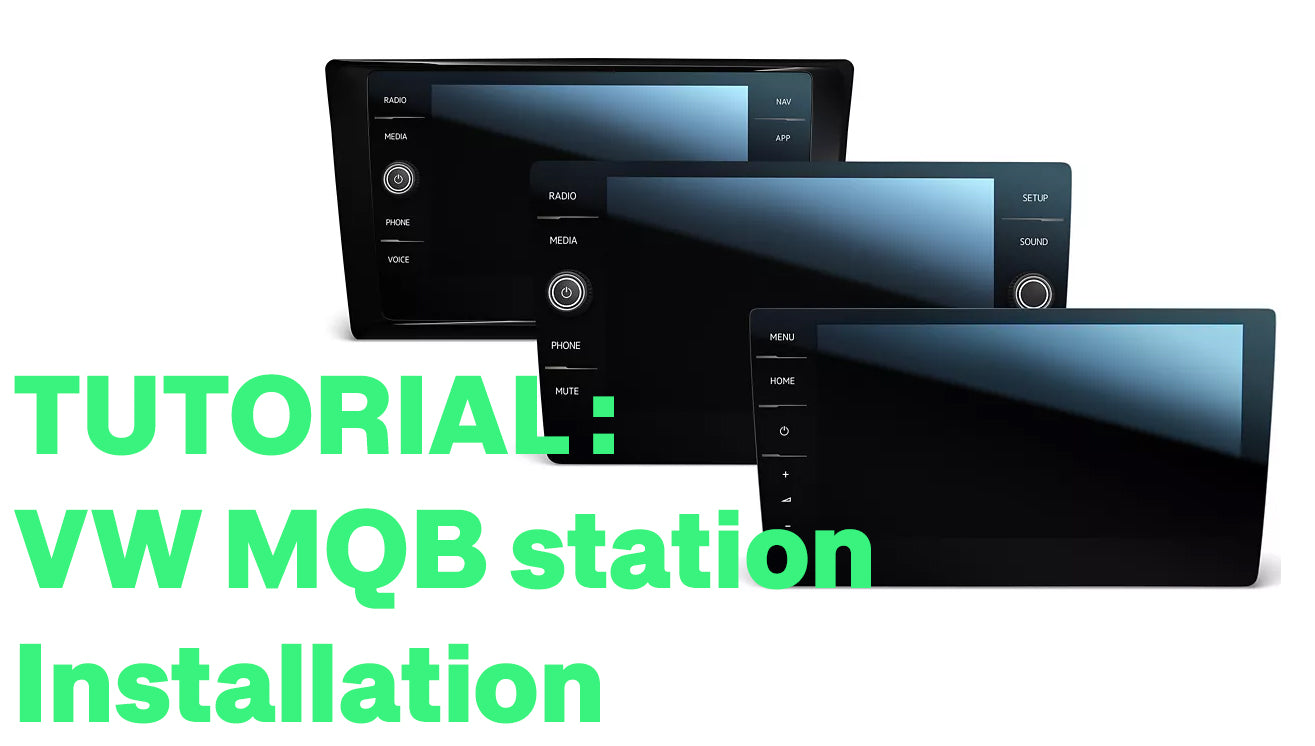
Volkswagen MQB station installation tutorial
Volkswagen MQB station installation tutorial We will see in this tutorial in pictures how to install a Volkswagen MQB car radio instead of the basic screen present on the Golfs.Required tools: VW/AUDI extraction keysInstallation time: 20-30 minutesInventory: one Volkswagen MQB...
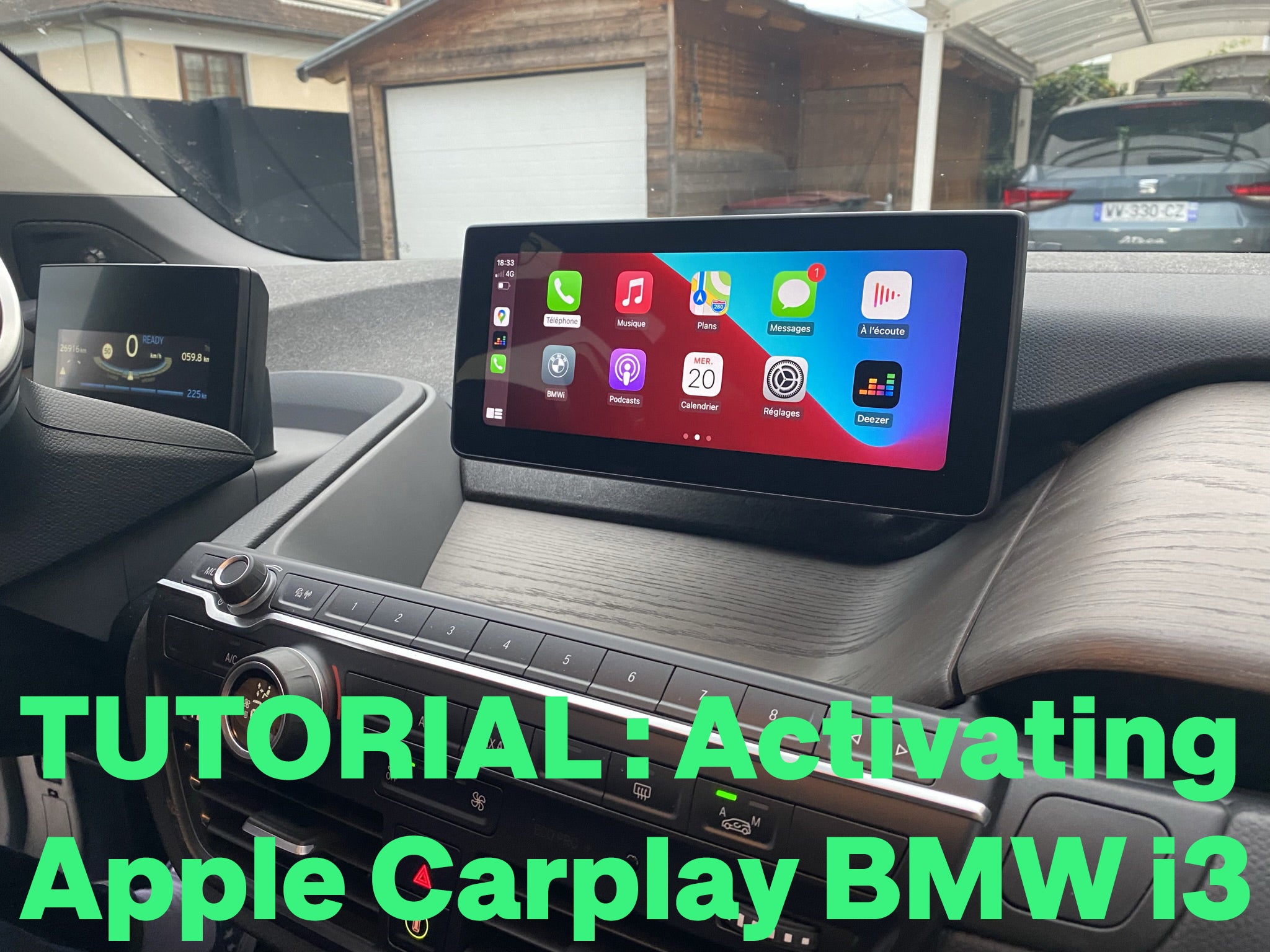
CarPlay activation tutorial on BMW i3
In this tutorial we will see how to activate Apple Carplay on a BMW i3. After checking the chassis number of the customer, we found that it has the pre-equipment Apple Carplay and to benefit from it, simply activate it. Also, it didn't have a Wifi antenna (wireless Apple Carplay at BMW since 2016!) so you have to install it. Of course, some BMW vehicles already have the original Wifi antenna so for them, no need to install it.
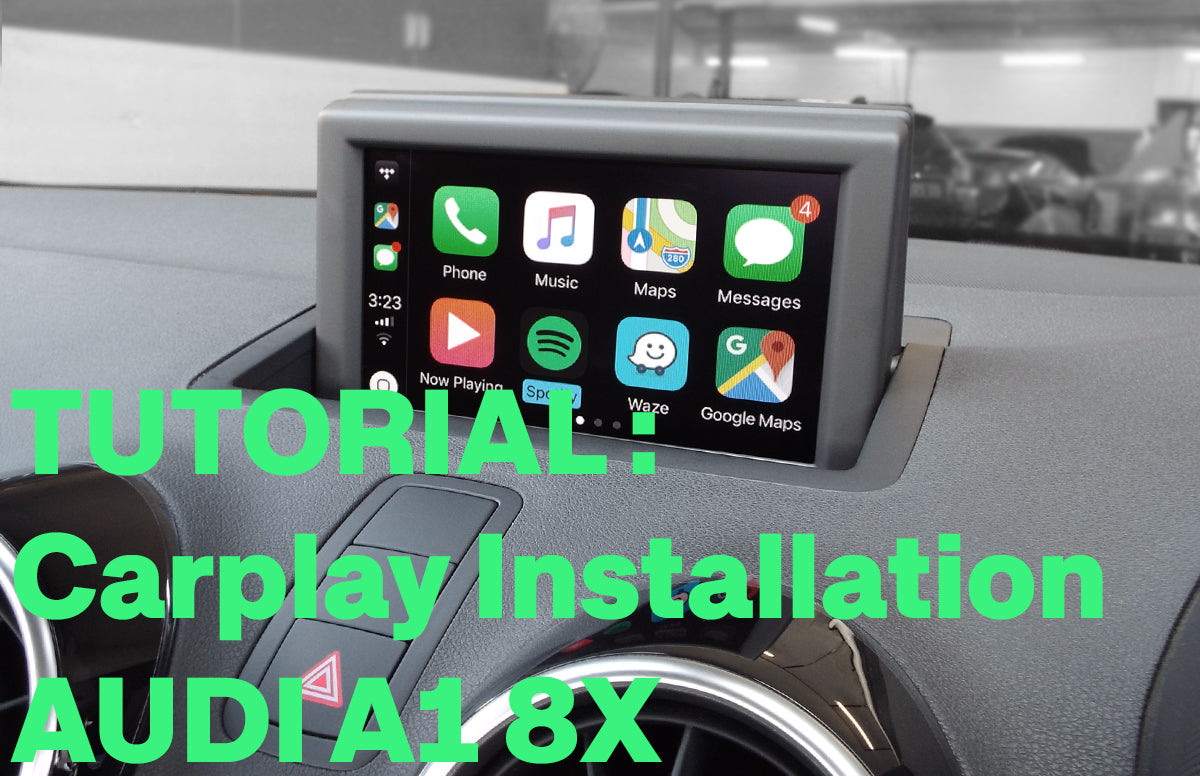
Carplay installation tutorial on an Audi A1
Here we will see in pictures how to install Apple Carplay in an Audi A1. Required material: a ratchet with a 8 mm bit and a Torx T20 screwdriver. Installation time: 40-50 minutes. Inventory: Carplay module and wiring.
So we count the module, a wifi antenna, 2 LVDS cables (video), the power cable, the sound cable, and a USB cable (you don't have to connect it if you use the device wireless).
So we count the module, a wifi antenna, 2 LVDS cables (video), the power cable, the sound cable, and a USB cable (you don't have to connect it if you use the device wireless).
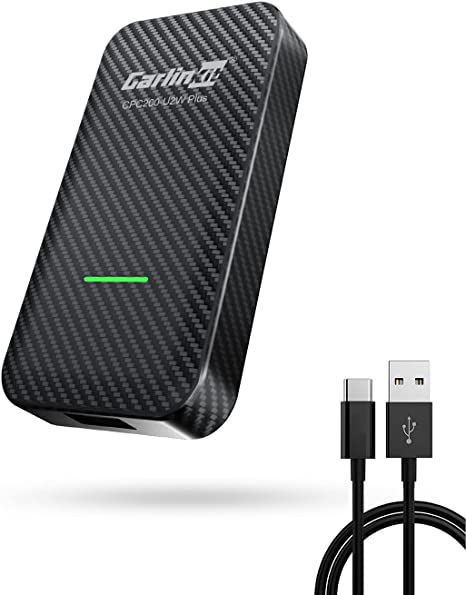
Apple Carplay accompanies us on our journeys with unparalleled ease of use. In this article we will see what the Carlinkit adapter is really worth in 2022 on vehicles already equipped with Apple Carplay.
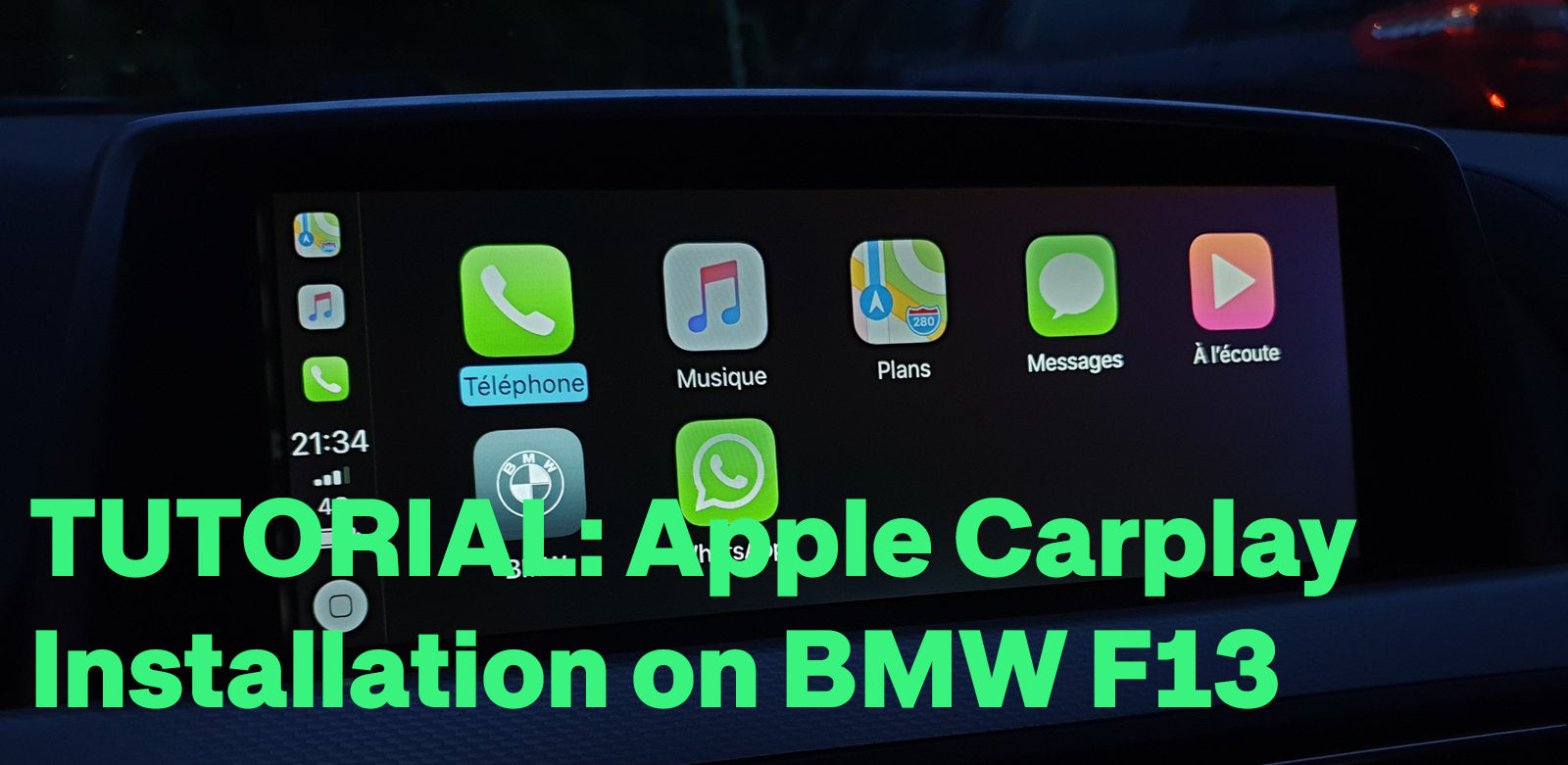
Carplay installation tutorial on BMW F13 with NBT system
Here we will see in pictures how to install Apple Carplay on a 2015 BMW 6 series coupe F13 with NBT system. Required equipment: a T20 torx screwdriver. Installation time: 30-40 minutes. Inventory: Carplay module and wiring. So we count the module, a wifi antenna, 2 LVDS (video) cables, the power cable, the auxiliary cable, and a USB cable (no need to plug it in if we use the device wirelessly).
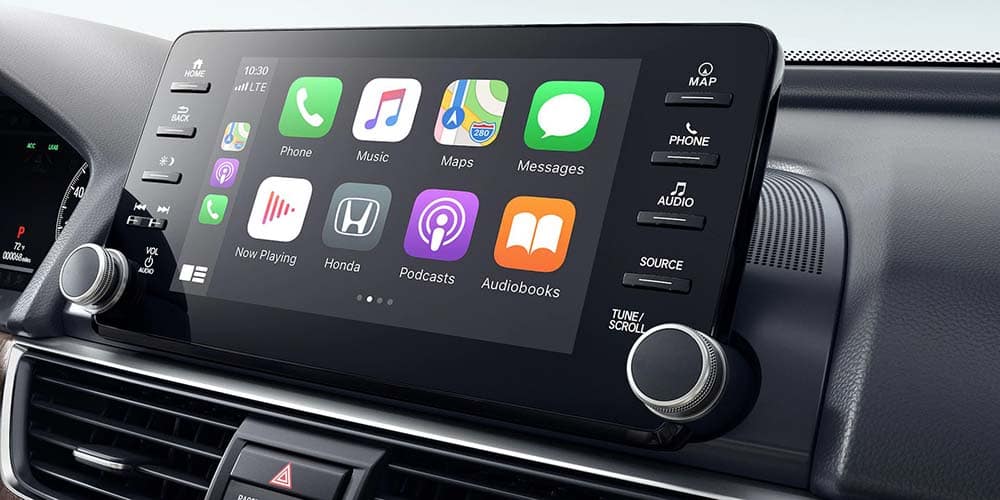
Which Honda vehicles are equipped with Apple CarPlay?
Flexibility is important when it comes to entertainment options. While Honda's integrated infotainment system is powerful and intuitive, the convenience of a smartphone can sometimes be hard to ignore. Powerful Apple users can stay connected to their iPhones even while driving certain Hondas using the simplified Apple CarPlay utility.